
Show summary Hide summary
- Wispr Flow Android app: A new layer over every app
- AI-driven dictation technology and the new speech recognition race
- Multilingual transcription, Hinglish support, and cultural nuance
- Funding, ambition, and the push toward voice-first productivity
- Practical ways to integrate Wispr Flow Android into your day
- How does the Wispr Flow Android app differ from standard voice typing?
- Can Wispr Flow handle multiple languages and code-switching like Hinglish?
- Is the AI-driven dictation technology suitable for enterprise workflows?
- How fast is Wispr Flow’s speech recognition on Android?
- Do I need a constant internet connection to use the Android app?
Imagine turning every idle second with your phone into focused work, simply by speaking. That is the promise behind Wispr Flow’s new Android app, which brings AI-driven dictation technology directly on top of your everyday mobile applications.
Wispr Flow Android app: A new layer over every app
The Android version of Wispr Flow does not behave like another keyboard; it behaves like a thin voice layer that floats above your entire phone. A small bubble sits on the screen edge, ready whenever you feel the urge to speak instead of type. For busy professionals switching between chat, email, and documents, this constant availability changes how quickly thoughts become text.
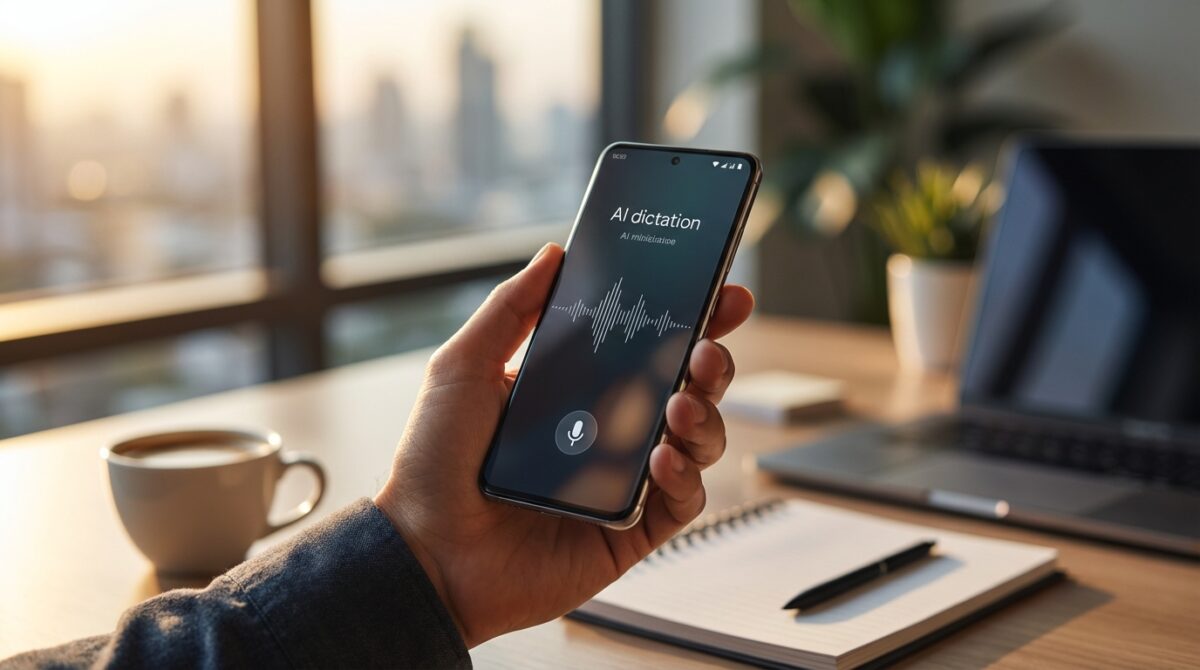
When you press and hold the bubble, the app starts listening instantly and converts voice input into structured text in real time. A single tap begins recording, another tap stops, which feels natural when you are walking between meetings or commuting. Because the bubble works on top of any mobile application, you can dictate into Gmail, Slack, Notion, or a browser without changing keyboards or adjusting system settings every time.
Slay the Spire 2 Set to Launch Early Access on March 5
I Developed an App Integrating 3 Top Chatbots — And Found That the Key to Success Is a Well-Crafted Prompt
From keyboard replacement to context-aware smart dictation
Earlier desktop releases positioned Wispr Flow as a keyboard replacement on Mac and Windows, then a dedicated keyboard on iOS. Android opened a different path. According to the team, the platform flexibility allowed them to design the voice experience they originally imagined, without being constrained by traditional keyboard rules. This means the Android app acts less like a tool you must select and more like a persistent assistant riding along in every workflow.
The dictation technology does more than raw transcription. The system removes filler words such as “uh” and “you know,” reshapes long spoken sentences into readable structures, and respects the context of the host app. When you dictate a task in a project manager, it favors concise phrasing. When you draft a long email, it keeps paragraphs and punctuation, making the output feel as if you had carefully typed and edited it yourself.
AI-driven dictation technology and the new speech recognition race
Under the floating interface lies a dense stack of artificial intelligence models tuned for speech recognition and language understanding. The company rebuilt its infrastructure for the Android launch and reports around 30 percent faster dictation compared with earlier releases. That gain matters when you dictate hundreds of words per day; delays of even half a second can break your speaking rhythm and lower adoption.
Wispr Flow processes audio, converts it into text, then applies language models that understand intent and tone. The system distinguishes a casual chat message from a formal report and adjusts formatting and phrasing. This differs from traditional speech recognition, which stops after producing raw text. Here, smart dictation continues the job by editing, cleaning, and reflowing sentences until they look polished.
Why Android matters for AI-powered mobile application workflows
Android remains the largest mobile operating system globally, yet high-end AI-powered dictation tools have arrived slower on this platform than on iOS and desktop. The appearance of the Wispr Flow Android app narrows that gap and intensifies competition with tools like Typeless and native OS voice features. For developers building productivity apps, this suggests that spoken input is becoming a first-class interaction method, not just an accessibility add-on.
Several independent reviews, such as this detailed analysis on Wispr Flow’s capabilities across platforms, highlight how universal dictation across apps can reshape daily routines. With Android now in the mix, teams that standardised on mixed devices can finally test the same voice workflows everywhere. That consistency is where AI-driven dictation begins to influence enterprise processes, from customer support notes to field reports.
Multilingual transcription, Hinglish support, and cultural nuance
Language coverage often decides whether a dictation tool becomes a niche gadget or a real companion. Wispr Flow already supports translation and transcription in more than one hundred languages, positioning it for global usage. The Android launch added a notable twist: a custom model for Hinglish, the mix of Hindi and English used daily by millions of speakers in India and the diaspora.
The CEO described building that model as solving a personal annoyance: conversations with family and colleagues rarely stay in a single language. Traditional systems forced users to choose Hindi or English and produced awkward results when sentences blended both. By recognizing Hinglish as its own pattern rather than an error, Wispr Flow’s transcription helps users keep their natural speaking style without manual corrections.
Real-world usage patterns and numbers behind the launch
Early test groups offered another indicator of traction. In only a few days of limited rollout on Android, users already dictated more than 1.3 million words in English alone. That volume shows that people are willing to speak long-form content on mobile when the friction is low enough. It also gives the models fresh data to improve punctuation, spacing, and phrase handling in live conditions.
For a fictional example, consider Aarav, a product manager in Bengaluru who switches between English for design documentation and Hindi with local vendors. With Hinglish-aware transcription, he can write Jira tickets, send WhatsApp updates, and respond to customer feedback threads without mentally switching language modes. His spoken notes stay fluid while the mobile application returns standardized, searchable text. This kind of cultural nuance is where speech recognition connects with daily life rather than remaining a lab feature.
Funding, ambition, and the push toward voice-first productivity
Behind the polished Android app stands an aggressive funding story. Wispr Flow secured a $30 million Series A led by Menlo Ventures, followed by a $25 million round led by Notable Capital. In total, the company has raised about $81 million, with reports indicating a valuation around $700 million. These numbers suggest that investors view AI-powered dictation as a core entry point into broader voice-first computing.
Coverage from outlets such as OpenTools on the funding rounds and other analyses of Wispr Flow’s growth underline two ambitions. First, to move beyond simple transcription into a full assistant that can rewrite, summarize, and format text on command. Second, to embed this assistant across platforms so that the same voice habits work on desktops, tablets, and smartphones.
How teams and individuals turn voice into structured output
Enterprise usage is starting to crystallize around repeatable patterns. Customer support agents dictate after-call notes directly into CRM systems, then let smart dictation compress them into clear summaries. Software engineers speak comments or even pseudo-code into their IDE or documentation tools. Salespeople capture meeting recaps in the car and have them arrive as structured updates in the team workspace.
For individuals, the value often appears in small but frequent actions. You might dictate quick responses while walking, draft outlines for reports during a commute, or record brainstorming ideas without opening a laptop. Articles such as this breakdown of Wispr Flow’s benefits for everyday productivity point out that the most visible gains come when scattered moments become high-quality written material.
Practical ways to integrate Wispr Flow Android into your day
Voice input only changes work habits when it becomes part of your routine. The floating bubble on Android helps, yet deliberate experimentation accelerates adoption. Many professionals begin with one or two daily workflows, measure the time saved, then expand once they trust the transcription quality and editing tools. Short, low-risk tasks often serve as a gateway to longer sessions.
To support that transition, you can follow a structured approach when adopting the Wispr Flow Android app in your own setup:
- Start with simple replies in messaging apps, replacing short typed answers with quick spoken responses.
- Move to longer emails or memos, dictating drafts and then editing only the details that require nuance.
- Use the app during walks or commutes to outline presentations, articles, or product specs without a laptop.
- Experiment with different languages or code-switching if you work across regions or multilingual teams.
- Review the dictated text after a week to identify common corrections and adjust your speaking style slightly.
Registration for Android access runs through the official site at the dedicated Android page, while general information about the broader platform appears on the main Wispr Flow site. External coverage, including a detailed report on Forbes about experiencing Wispr Flow by dictating directly to an Android device, reinforces that voice-led workflows are shifting from niche experiments to standard options on modern smartphones. The key decision for you is not whether the dictation technology works, but where it can remove the most friction in your own day.
How does the Wispr Flow Android app differ from standard voice typing?
Wispr Flow runs as a floating bubble over any Android app, instead of a traditional keyboard. When you activate it, the app performs speech recognition, then applies AI-driven editing to remove filler words, fix punctuation, and adapt tone to the context of the target app. Standard voice typing usually stops at raw transcription and requires more manual cleanup.
Can Wispr Flow handle multiple languages and code-switching like Hinglish?
Yes. Wispr Flow supports transcription and translation in more than one hundred languages. The team also released a dedicated model for Hinglish, the mix of Hindi and English used in daily conversation. That model treats Hinglish as a distinct pattern, allowing users to speak naturally without forcing strict separation between Hindi and English.
Is the AI-driven dictation technology suitable for enterprise workflows?
The platform is designed for professional usage across tools such as email clients, collaboration suites, CRM systems, and code editors. Because the Android app works over any mobile application, support agents, sales teams, field workers, and managers can dictate notes or reports directly where they work. Funding rounds and rapid user growth indicate that many organizations are already testing these workflows.
How fast is Wispr Flow’s speech recognition on Android?
Top Apple HomeKit and Siri Gadgets to Enhance Your Smart Home in 2026
Google Relaunches Android 17 Beta 1 Shortly After Initial Pause
For the Android launch, the company rebuilt parts of its infrastructure and reports around 30 percent faster dictation than earlier versions. In practice, users experience near real-time transcription for typical message and email lengths. That speed helps maintain a natural speaking rhythm and encourages longer sessions, such as meeting notes or detailed briefs.
Do I need a constant internet connection to use the Android app?
Wispr Flow relies on cloud-based artificial intelligence models for high-quality transcription and smart dictation features. You therefore need a stable connection for the best performance. When connectivity is weak, latency may increase, though the app is designed to handle short interruptions gracefully and resume processing once the network recovers.