Show summary Hide summary
- Apple HomeKit and Siri as the spine of your smart home
- Smart speakers, voice control, and immersive home entertainment
- Comfort and savings with HomeKit thermostats and lighting
- Security, locks, and safes tailored to an Apple-centric home
- Plugs, leak detectors, and practical IoT devices that quietly matter
- Preventing water damage and other silent threats
- Do I really need a dedicated Apple HomeKit hub for automation?
- Can Apple HomeKit devices work alongside Alexa or Google Home?
- Is the HomePod mini powerful enough for serious smart home control?
- How secure are smart locks like Level Lock Pro when used with Siri?
- What is the most cost-effective way to start an Apple HomeKit setup?
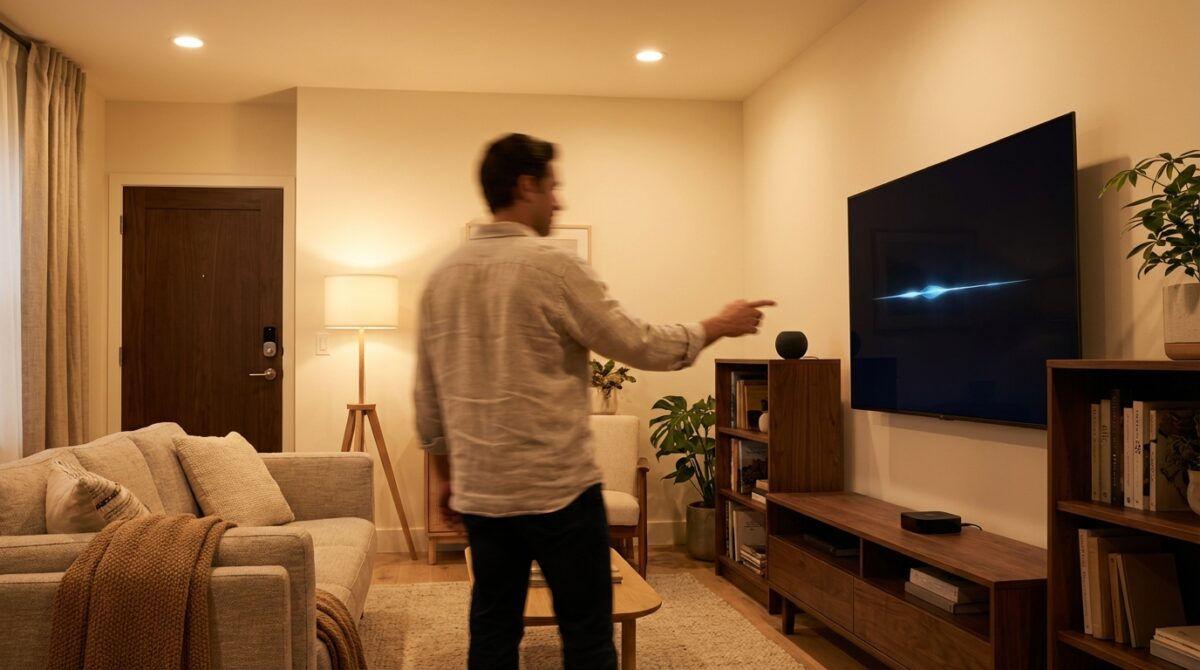
Imagine walking through your apartment and every light, lock, and speaker quietly responds to your voice, your location, and even your habits. That is what a well‑designed Apple HomeKit setup feels like when the right Siri gadgets work together instead of acting as isolated toys.
Apple HomeKit and Siri as the spine of your smart home
For many households, the biggest frustration with Smart Home projects is fragmentation: several apps, different accounts, and gadgets that never quite cooperate. Apple HomeKit tackles this by turning the Home app and Siri into the central command layer. Every certified accessory follows strict security and privacy rules, which makes automation feel dependable rather than experimental.
Think of HomeKit as the operating system of your house. Lights, door locks, thermostats, and even Home Security sensors expose standardized controls to Apple’s ecosystem. Siri then becomes the natural interface for Voice Control. A phrase like “Good night” can dim Smart Lighting, lock the front door, lower the Ecobee thermostat, and arm an Aqara security hub in one shot. According to reviewers from sources such as CNET’s smart home guides, this consistency is one reason many iPhone owners commit fully to Apple’s platform instead of mixing several ecosystems.
Google Relaunches Android 17 Beta 1 Shortly After Initial Pause
Mario Tennis Fever Delivers the Ultimate Nintendo Tennis Experience — Just Not Worth the $70 Price Tag
Choosing the right HomeKit hub for reliable automation
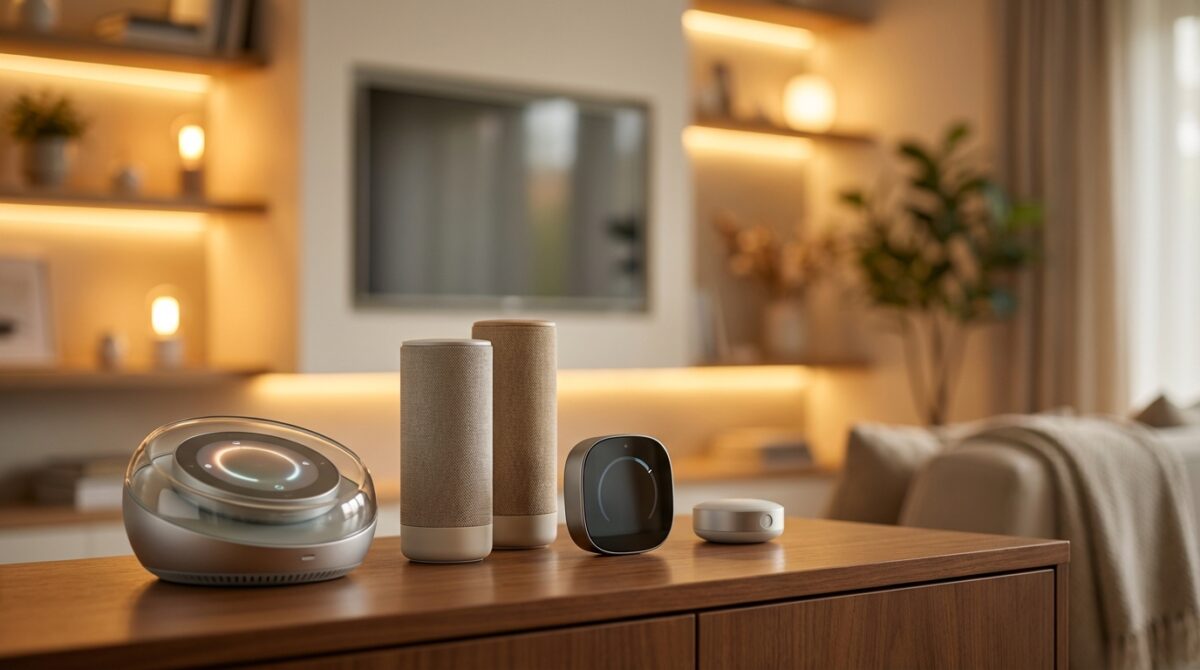
Behind the scenes, Home Automation rules depend on a stable hub. For Apple users, that role is usually handled by a HomePod, HomePod mini, or Apple TV 4K. The third‑generation Apple TV 4K is especially attractive because its A15 Bionic chip runs automations quickly, stays silent without a fan, and doubles as a Home Entertainment streamer for HDR10+ video and Apple Arcade games.
Our fictional user Maya, a product designer working from home, uses an Apple TV 4K as the main hub in her living room. When she leaves for the office, the device switches her apartment into an “Away” scene: lights go off, the Level Lock Pro auto‑locks, the Aqara camera hub arms its motion sensors, and the Ecobee Essential thermostat adjusts to an energy‑saving schedule. Everything is triggered by her iPhone’s geolocation, but processed locally through the HomeKit hub for speed and reliability.
Smart speakers, voice control, and immersive home entertainment
The smartest gadgets in a HomeKit setup often feel invisible, yet one device is meant to be seen and heard: the smart speaker. The HomePod mini sits at the center of many Siri‑driven homes because it balances price, size, and sound quality. It costs about the same as rival speakers from Google or Amazon, yet integrates far more tightly with iPhone features such as Handoff, Intercom, and personal voice recognition.
Maya keeps a HomePod mini on a shelf between her kitchen and living room. When cooking, she uses Voice Control to set timers, change playlists, and toggle Smart Lighting scenes without touching a screen. At night, she can say “Hey Siri, movie mode” and the speaker tells HomeKit to dim Philips Hue bulbs, switch Apple TV 4K to her streaming profile, and set the Ecobee thermostat to a comfortable temperature. For apartments and smaller rooms, pairing two HomePod minis in stereo creates a compact Home Entertainment setup that feels more cinematic than the size suggests.
Linking IoT devices to make voice scenes actually useful
Voice commands become truly convenient when several IoT Devices respond as one. The Matter standard, now supported across more hardware, allows select non‑Apple devices to join the HomeKit party without proprietary bridges. Products from Eve, Aqara, and others can speak to Apple’s ecosystem while still offering compatibility with Alexa or Google Home for households that mix assistants.
Here is how Maya structured her most used scenes so that Siri becomes a daily tool rather than a novelty:
- “Good morning” raises blinds, turns on warm white Philips Hue lights, starts a news podcast on the HomePod mini, and nudges the Ecobee thermostat up a few degrees.
- “Focus time” activates cool, bright lighting at her desk, mutes doorbell notifications from the Aqara hub, and switches Apple TV 4K to a lo‑fi music playlist.
- “Weekend away” locks the Level Lock Pro, enables water‑leak alerts from the SwitchBot sensor, turns off non‑essential Eve smart plugs, and sets all lights to mimic occupancy in the evening.
These scenes demonstrate how Smart Gadgets only feel intelligent when they cooperate. By tying several HomeKit accessories to a single voice phrase, your smart home starts working like a silent assistant rather than a pile of connected toys.
Comfort and savings with HomeKit thermostats and lighting
Energy costs pushed many households to rethink heating, cooling, and lighting strategies. Apple HomeKit does not magically reduce bills, yet it simplifies the discipline required to run your home more efficiently. Thermostats and Smart Lighting represent two of the highest‑impact upgrades when managed intelligently through Home Automation.
The Ecobee Essential thermostat offers a good example. It undercuts the premium Ecobee models while keeping the features that matter: responsive touchscreen controls, a clear app, reliable Wi‑Fi connection, and deep integration with HomeKit. Once paired, you can build automations that adjust temperatures based on time of day, occupancy, or scenes. Maya uses a schedule that lowers heating 30 minutes after she leaves and starts warming the apartment 20 minutes before she usually returns.
Smart lighting scenes that adapt to your routine
Lighting has a direct impact on mood and productivity, which makes Smart Lighting one of the most satisfying areas to optimize. Philips Hue white bulbs combined with the Bridge Pro hub integrate nicely with Apple HomeKit while maintaining Philips’ own advanced features. Motion‑based automations, dimming curves, and complex scenes live inside the Hue system, yet appear as simple toggles in the Home app.
In larger rooms or where multiple lamps share a single circuit, a Lutron Caseta in‑wall dimmer switch offers a more elegant solution than replacing every bulb. Lutron’s long experience with dimmers shows in the responsiveness of its Clear Connect wireless protocol, which reviewers at places like PCMag’s smart home device roundups consistently praise. Maya uses Caseta switches for her living room and hallway, then supplements them with a handful of Hue bulbs in accent lamps. Whatever combination you choose, the key is to let HomeKit orchestrate lighting around activities, not just on/off commands.
Security, locks, and safes tailored to an Apple-centric home
Security is where Smart Home enthusiasm often meets anxiety. Cameras, locks, and sensors touch the most sensitive parts of daily life, so trust and transparency matter. Apple HomeKit’s encrypted communication and strict accessory certification help address these worries, yet product choice still plays a major role in how safe and comfortable you feel.
The Level Lock Pro illustrates how far smart locks have progressed. It hides the motorized components inside the door, so your exterior hardware looks like a traditional deadbolt. Support for Apple Home Keys means you can tap an iPhone or Apple Watch to unlock, while Siri can verify your voice before executing a remote lock command. Maya uses temporary digital keys for guests, which expire automatically after a weekend visit, instead of leaving spare metal keys under a mat.
Affordable home security with cameras and sensors
Video remains a complex area for HomeKit due to storage, encryption, and the slow rollout of Matter support for cameras. The Aqara Camera Hub G3 (or similar models in that line) offers an interesting compromise. It features a 2K indoor camera with motion detection and local microSD recording, plus acts as a hub for tiny door, motion, and vibration sensors. HomeKit integration does not expose every camera feature, yet basic streaming, automation triggers, and alerts can still pass through Apple’s system.
Maya places the Aqara camera facing her entryway, then sticks a motion sensor near the balcony door and a contact sensor on the main door. When her “Away” scene activates, any movement triggers a notification and can flash selected Hue lights. To protect physical documents and backup drives, she added a Yale smart safe compatible with Apple HomeKit. With an Apple TV in the same home, the safe can report lock status and allow controlled remote access, though its fire and flood resistance remains modest compared with heavy traditional safes.
Plugs, leak detectors, and practical IoT devices that quietly matter
After the big purchases, smaller IoT Devices complete the picture and often deliver surprisingly high value. Smart plugs, leak detectors, and specialty accessories might not look impressive in a showroom, yet they prevent damage and simplify routines in ways that you only appreciate when something goes wrong.
The Eve smart plug is a good demonstration. It sits neatly on a wall outlet, monitors energy usage, supports Matter, and integrates seamlessly with Apple HomeKit. Maya connects her standing desk, reading lamp, and air purifier to Eve plugs. She then tracks energy consumption patterns and creates automations that shut them off when nobody is home. The Eve app exposes deeper statistics, while the Home app focuses on simple schedules and scenes.
Preventing water damage and other silent threats
Water leaks rarely happen at convenient times, which makes early detection vital. A small SwitchBot leak detector placed under a sink or near a washing machine can send alerts through its app and, once linked, through Apple Home as well. The battery lasts up to two years, leaving the device ready when you actually need it. Maya credits such a detector with saving her wooden floor after a slow drip started under the kitchen sink while she was away for the weekend.
To decide which smaller gadgets deserve a place in your smart home, ask what silent risks or annoyances you would most like to eliminate. Then map those needs to focused accessories instead of chasing every new product that promises convenience. Guides from specialists such as Tom’s Guide on HomeKit-compatible devices or broader directories like best smart home devices blogs can help you filter the market before investing.
Do I really need a dedicated Apple HomeKit hub for automation?
You can control many HomeKit accessories directly from an iPhone or iPad on the same network, but a dedicated hub such as a HomePod, HomePod mini, or Apple TV 4K is required for advanced automations and remote access. The hub keeps scenes running when your phone is away and processes triggers like geolocation or schedules reliably. For any serious smart home built around Siri, a hub is strongly recommended.
Can Apple HomeKit devices work alongside Alexa or Google Home?
Thanks to Matter support, a growing number of accessories can join multiple ecosystems at once. Devices from brands such as Eve, Aqara, and Philips can be controlled from Apple HomeKit while still exposing features to Alexa or Google Home. However, not every function appears in every app, so you should check product documentation and reviews before assuming full cross-platform parity.
Is the HomePod mini powerful enough for serious smart home control?
Yes, the HomePod mini is fully capable of acting as a HomeKit hub for complex automation. It supports Thread, handles encrypted communication with accessories, and responds quickly to Siri commands. Larger HomePods may offer better audio quality, but the underlying smart home capabilities are comparable. Many users deploy several HomePod minis to extend voice coverage across their homes.
How secure are smart locks like Level Lock Pro when used with Siri?
Troubleshooting Frequent VPN Disconnections: Causes and Solutions
YouTube Music Introduces New Lyrics Restrictions for Free Tier Users
Smart locks that are certified for Apple HomeKit must follow strict encryption and authentication rules. Level Lock Pro uses secure communication, supports traditional keys as a fallback, and offers activity logs. Siri can lock doors freely, yet often requires additional verification for unlocking, especially when you are outside the home network. As with any lock, physical installation quality and door alignment also influence real-world security.
What is the most cost-effective way to start an Apple HomeKit setup?
A practical starting point is to combine one HomePod mini or Apple TV 4K as a hub with a small set of targeted accessories. Many users begin with a smart plug, a few white Philips Hue bulbs, and one thermostat or lock. This bundle lets you explore automation for comfort, energy savings, and security without overspending. As you learn which routines feel valuable, you can extend the system gradually.