Show summary Hide summary
- Samsung Wallet Digital Home Key and the Aliro standard
- From plastic keys to Smartphone keys: what actually changes
- Digital security foundations behind Samsung’s house key feature
- Ecosystem impact: smart locks, Smart home platforms and beyond
- Practical steps and best practices for adopting Samsung Wallet house keys
- Key actions before turning your phone into a house key
- How do I know if my lock works with Samsung Wallet Digital Home Key?
- Can I still use a physical key after enabling Digital Home Key?
- What happens to my digital house key if I change phones?
- Is sharing digital keys with guests safe?
- Does using smartphone keys require a constant internet connection?
Your phone has already replaced your wallet, boarding passes, and even your car key. Now it wants the front door. Samsung Wallet’s new Digital Home Key turns Galaxy devices into secure, shareable house keys and quietly reshapes how you think about smart home access.
Samsung Wallet Digital Home Key and the Aliro standard
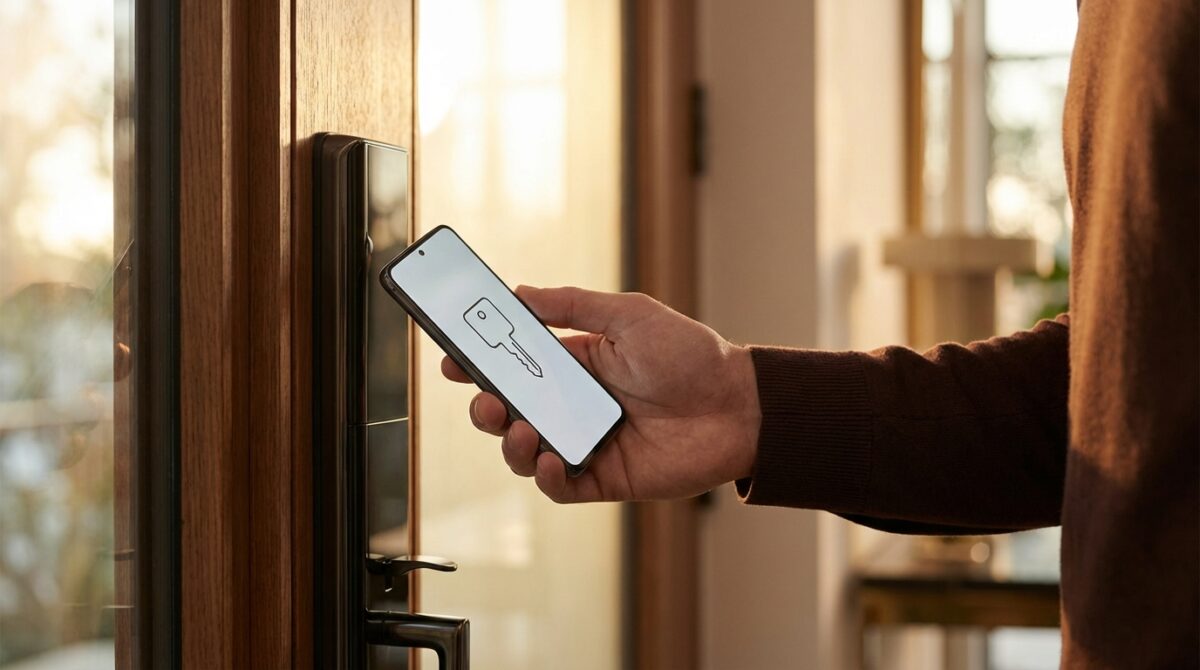
Samsung Wallet started as a place for payments and loyalty cards, then moved into car keys and IDs. Digital Home Key marks its entry into the most sensitive territory: your front door. Instead of juggling physical house keys or separate lock apps, your Galaxy becomes the single point of Mobile access for Smart home entry.
The feature sits inside Samsung Wallet and uses the Aliro standard, defined by the Connectivity Standards Alliance. Aliro is a communication protocol for Digital keys that lets phones, wearables, and Smart home locks speak the same language. According to Samsung executives, aligning Digital Home Key with Aliro helps guarantee interoperability, better security, and easier onboarding for both users and lock manufacturers.
Top VPN Picks for iPhone in 2026: Enhance Your Mobile Privacy Anywhere
Top VPNs for Mac 2026: Enhance Your Privacy Today
How Aliro shapes keyless entry at your front door
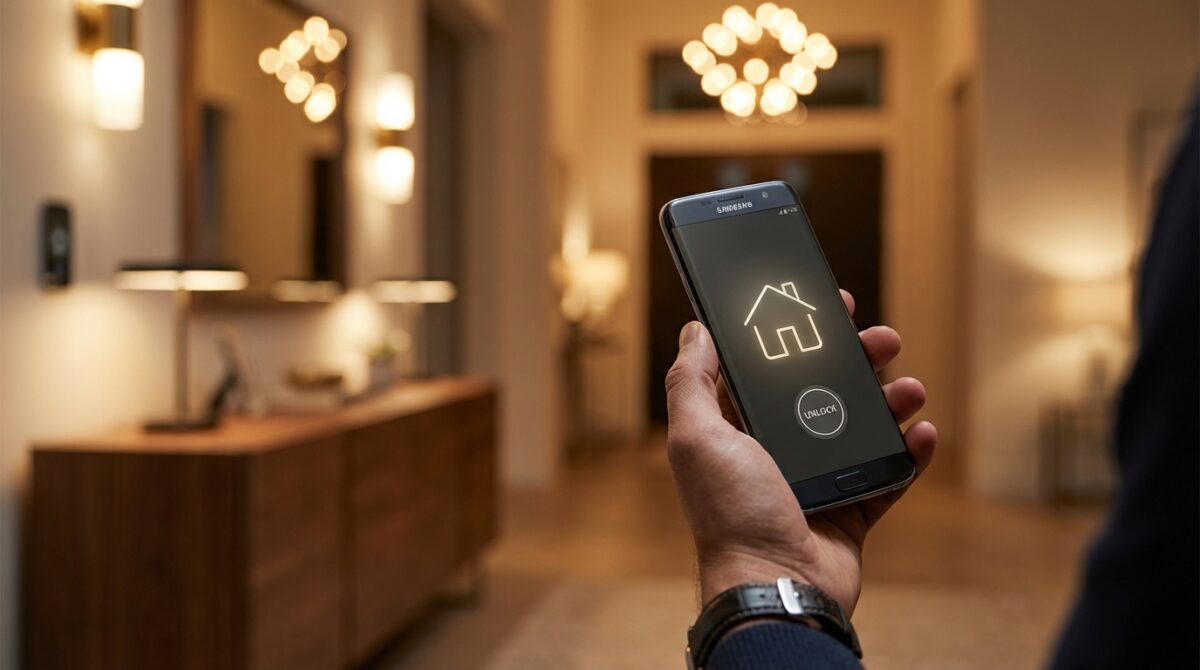
Aliro aims to do for Smartphone keys what Matter did for Home automation devices: reduce fragmentation. A single set of specifications defines how a phone presents a key, how a lock verifies it, and how access is logged. That means a Digital Home Key stored in Samsung Wallet can work with different lock brands, as long as they adopt Aliro. For users, the promise is simple: less trial and error, more tapping and walking through doors.
Manufacturers such as Nuki and Schlage already announced Aliro-based products, and Samsung positions Digital Home Key as a ready-made client for these systems. The company indicates that security levels are aligned with EAL6+ certification, which is usually associated with banking chips and high-assurance hardware. For someone deciding which Smart home ecosystem to trust with their House keys, that alignment provides a measurable benchmark rather than vague marketing claims.
From plastic keys to Smartphone keys: what actually changes
For a Galaxy owner like Lena, who manages a small co-working space and a home apartment, the difference appears on the first busy Monday. Instead of carrying multiple keychains and access cards, she keeps everything inside Samsung Wallet. When she arrives at the office, she holds her phone to the Aliro-compatible lock, sees a confirmation on screen, and walks in. The same Digital Home Key concept then unlocks her home door, with separate permissions and logs.
This shift from metal keys to Smartphone keys changes everyday routines in several ways. Physical duplication disappears because access is shared as a Digital key. Losing a key no longer means changing a cylinder; it means revoking a credential. Families can give temporary Mobile access to dog walkers or cleaners, then let it expire automatically. For property managers, assigning and revoking House keys can become as simple as updating a guest list in software.
Daily scenarios that highlight the value of mobile access
Consider three common situations. A teenager forgets a key but rarely forgets a phone; Digital Home Key reduces lockouts. A short-term rental host wants contactless check-in; sending a time-limited key through a secure channel is faster than hiding keys under mats. A neighbor waters plants while you travel; you give them Smart home access for a week, visible and auditable in Samsung Wallet. Each scenario reduces friction without giving up visibility or control.
Articles such as coverage on Galaxy phones becoming house keys highlight how this model converges with other Smart home trends. Door locks, cameras, and lighting are managed from the same device that already handles your payments and passwords. The result is not only Keyless entry but a consolidated view of who comes and goes, at what time, and under which permissions.
Digital security foundations behind Samsung’s house key feature
Replacing a metal key with a phone demands strong Digital security. Samsung indicates that Digital Home Key data in Samsung Wallet is stored in a secure element with EAL6+ alignment. That means cryptographic operations, including key storage and authentication, occur in hardware isolated from the main operating system. Attackers who compromise an app or even the OS still face hardened barriers around the actual House keys.
Accessing a Digital Home Key requires biometric verification or a PIN. Face recognition or fingerprint scanning ties Keyless entry to your physical presence, not just to whoever holds the device. If a phone is stolen, the attacker must defeat both device-level authentication and the secure storage protections. This layered defense corresponds to practices already proven in mobile payments, where similar hardware-backed techniques protect credit cards in Samsung Wallet.
What happens when you lose your Galaxy phone
Loss or theft of a device is the hardest question for any Smartphone keys system. Samsung addresses this with remote management through Samsung Find. As soon as you notice the phone is missing, you can sign in from another device, locate it, lock it, or trigger a wipe. The Digital Home Key attached to that phone can be revoked, cutting off access to your Smart home locks even if the device remains physically intact.
For people managing multiple properties, this remote control becomes an operational tool, not just an emergency fallback. Access for contractors can be disabled once work is completed. Former tenants can lose their residual Digital keys with a single administrative action. Media like recent analyses of Samsung Wallet’s digital home expansion underline how this capability begins to blur the line between consumer wallet apps and professional access-control systems.
Ecosystem impact: smart locks, Smart home platforms and beyond
The Digital Home Key feature does not exist alone; it plugs into a wider network of devices and standards. Smart lock brands such as Nuki and Schlage integrate Aliro so that their hardware can recognize Digital keys presented by Samsung Wallet. SmartThings, Samsung’s Home automation platform, connects those locks with other devices, letting you trigger actions when a particular key is used. Your lights, thermostat, or security camera can respond to the identity behind the Mobile access event.
Aliro also changes relationships between competing ecosystems. By agreeing on a shared protocol, phone makers, lock manufacturers, and platform providers lower integration costs and reduce vendor lock-in. A household could mix Galaxy phones with other Aliro-capable devices while maintaining consistent Keyless entry behavior. The same philosophy now shapes other areas of connected living, including the rise of Apple HomeKit accessories and Siri-based automation, as described in resources on expanding smart home control.
How Digital keys integrate with existing smart home habits
People already use their phones to disarm alarms, view doorbell cameras, and control lighting scenes. Integrating house entry into Samsung Wallet shortens the chain between arrival and automation. Unlocking a door with a Digital Home Key can trigger a “Welcome home” routine, turning on hallway lights and adjusting temperature. When a dog walker uses a special Smartphone key at midday, presence rules can restrict their access to specific rooms.
For businesses, especially co-working hubs and shared studios, the impact is similar. Digital keys tied to Samsung Wallet identities allow fine-grained schedules, individual logging, and rapid revocation. Reports from outlets like NewsBreak’s coverage of Samsung Wallet holding house keys show how this approach appeals to operators who need flexibility without giving up oversight. Over time, door access becomes just another programmable parameter in a broader automation architecture.
Practical steps and best practices for adopting Samsung Wallet house keys
Anyone considering this transition benefits from a structured rollout rather than flipping every lock at once. Starting with a single entrance lets you test how Digital keys behave in your daily routine. You can verify biometric prompts, observe battery impact, and confirm that guests understand how to use their Mobile access. Once confidence grows, the same pattern can extend to back doors, garages, or office entries tied to your Smart home.
A short checklist helps keep the process manageable and secure. Focusing on both hardware compatibility and access policies prevents surprises later. Over time, you can refine rules around guest access, time windows, and emergency overrides as you observe real-life behavior at your doors.
Key actions before turning your phone into a house key
These practical actions provide a solid foundation when activating Digital Home Key inside Samsung Wallet:
- Verify that your smart lock supports Aliro and is listed as compatible with Digital Home Key.
- Update your Galaxy device, SmartThings, and lock firmware to the latest versions.
- Enable strong biometrics and a robust PIN before storing any Digital keys.
- Set up Samsung Find, including remote lock and wipe capabilities.
- Create a written access policy for family members, tenants, or staff describing how Smartphone keys are issued and revoked.
Guides such as Samsung’s own support resources on Wallet configuration and tutorials on related Smart home gadgets complement this checklist. They help you navigate advanced options like automation triggers, backup methods, and regional availability details. With a careful start, Digital Home Key can evolve from an intriguing novelty into a dependable pillar of your everyday Home automation strategy.
How do I know if my lock works with Samsung Wallet Digital Home Key?
Check whether your smart lock explicitly supports the Aliro standard and is listed as compatible with Samsung Wallet’s Digital Home Key feature. Most vendors mention this in their product specifications or firmware release notes. You can also look inside SmartThings to see if the lock exposes digital home key options after pairing.
Can I still use a physical key after enabling Digital Home Key?
Yes, most smart locks keep their traditional cylinder as a fallback. You can continue using metal keys while gradually adopting Smartphone keys through Samsung Wallet. Many households keep at least one physical key stored securely for emergencies such as complete battery drain on both lock and phone.
What happens to my digital house key if I change phones?
When you move to a new Galaxy device, your Samsung Wallet data, including Digital Home Key entries, can be restored after secure authentication. Some locks may request a brief revalidation step for security reasons. Once completed, the new phone becomes your active device for Mobile access, and you can revoke keys from the previous one if still registered.
Is sharing digital keys with guests safe?
Step Aside Apple: New App Stores Revolutionise EU Market
Wispr Flow Unveils Android App Featuring AI-Driven Dictation Technology
Sharing can be safe when you control duration, scope, and revocation. Time-limited Digital keys restrict access to specific periods, while activity logs help you review usage. Ensure that guests protect their own devices with biometrics and PINs, and be prepared to revoke shared keys as soon as they no longer need entry.
Does using smartphone keys require a constant internet connection?
Unlocking a door with Digital Home Key typically relies on short-range communication such as NFC or Bluetooth, not continuous internet access. However, initial setup, firmware updates, and remote management through Samsung Find do require connectivity. For resilience, many setups combine online management with offline-capable local unlocking.