

Show summary Hide summary
- Choosing Wi‑Fi extenders that truly boost your connection
- TP‑Link AX3000 and RE315: practical range expanders for real homes
- Netgear EAX80: mesh‑like roaming without replacing your router
- How Wi‑Fi extenders, wireless repeaters and mesh systems differ
- Key criteria for picking the best Wi‑Fi extender in 2026
- Practical checklist for home and small office buyers
- Do Wi‑Fi extenders increase internet speed or just coverage?
- Where should I place a Wi‑Fi extender for the best results?
- Is a mesh system always better than using a Wi‑Fi extender?
- Can I use more than one Wi‑Fi extender in the same home?
- How do I know if my devices support Wi‑Fi 6 with new extenders?
Picture your video call finally staying stable in the attic office, while your kids stream 4K downstairs and a console quietly updates in the basement. That kind of calm, everywhere internet coverage is exactly what the best Wi‑Fi extenders in 2026 are built to deliver.
Choosing Wi‑Fi extenders that truly boost your connection
When you start comparing Wi‑Fi extenders, wireless repeaters and other network boosters, the spec sheets can feel like a maze. Yet the real decision often comes down to three questions: how big is your home, how many devices do you run and how sensitive are you to speed drops. A compact apartment with a single dead spot near the balcony needs a different solution than a three‑story house with thick walls and a garden office.
Consider the story of Elena, a product designer working from a renovated farmhouse. Her fiber line delivered 900 Mbps at the router, but the studio in the barn barely reached 5 Mbps. Upgrading the main router would not change that physics problem. By placing a dual‑band extender halfway between the house and the barn, she turned that unusable corner into a productive workspace, even though the extended network never hit the raw speeds advertised on the box.
Comparing Samsung Galaxy Ultra: S26, S25 & S24 Differences
Lenovo Idea Tab: A Reliable Everyday Tablet Choice
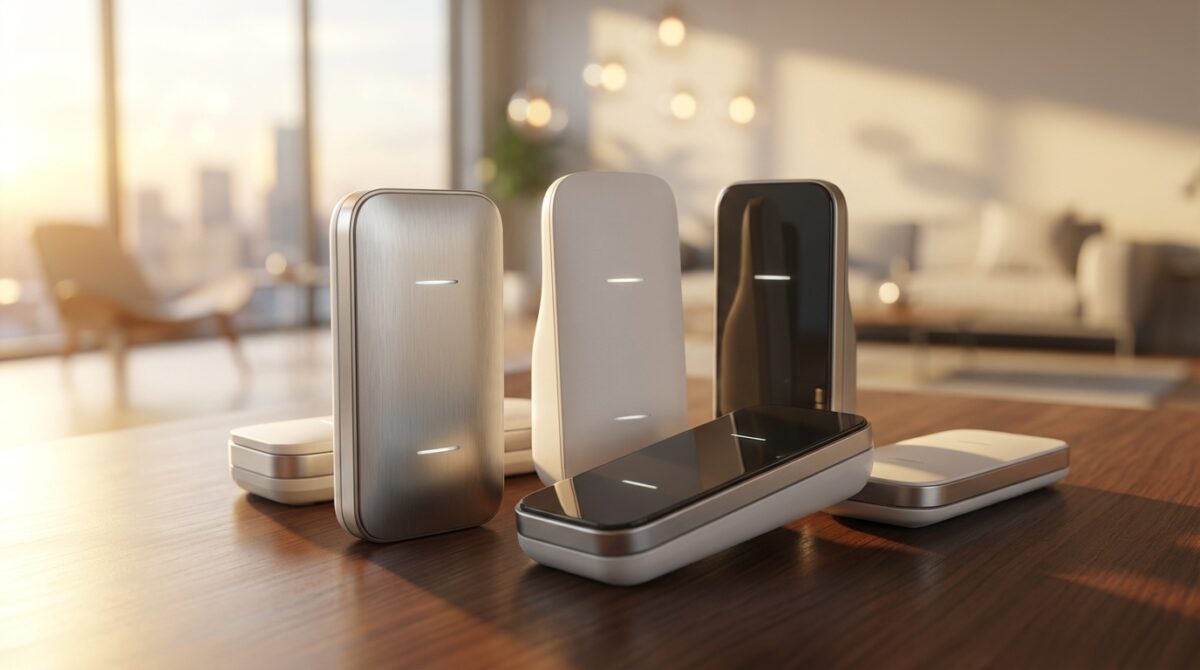
Understanding specs: speed, bands and signal strength
The AX3000‑class TP‑Link models, such as the RE700X and RE705X, illustrate how manufacturers present capabilities. They advertise up to 2402 Mbps on the 5 GHz band and 574 Mbps on 2.4 GHz, supported by Wi‑Fi 6. In practice, you will rarely see those numbers in a speed test. The value lies in stable throughput and better signal strength in the rooms that were previously unreliable rather than in headline speed gains.
Dual-band extenders split traffic between a 2.4 GHz band with better reach and a 5 GHz band optimised for higher data rates. Smart steering on devices like the RE705X quietly pushes smart bulbs and plugs onto 2.4 GHz, while laptops and TVs enjoy the faster band. That separation reduces contention and helps your network feel smoother even when raw megabits per second look lower than the router’s direct output. For more insights, you can check the Vibe Camera Showdown: Comparing Camp Snap Pro and Flashback One35 V2.
TP‑Link AX3000 and RE315: practical range expanders for real homes
TP‑Link’s AX3000 family has become a reference point for people who want strong connectivity enhancement without rebuilding their whole network. The RE705X, with its pull‑out antennas, and the sleeker RE700X share the same radio hardware and Wi‑Fi 6 support. Setup typically involves plugging the extender near the router, opening TP‑Link’s Tether app and following a guided process that takes about five minutes, even on common ISP hardware such as Verizon FiOS gateways.
During basement tests with laptops and phones, the extended network delivered lower speed test numbers than the main router upstairs, which matches what lab reviews on sites like PCMag’s extender roundup often report. However, workloads such as Slack, email, multiple Chrome tabs and streaming YouTube ran without visible stutter. That experience underlines the point: for many users, “good enough everywhere” beats “blazing fast in one room and unusable elsewhere.”
Budget Wi‑Fi extenders and when they are enough
Not everyone needs AX‑class hardware. The TP‑Link RE315, often available around the $30–$50 range, shows how far affordable wireless repeaters have progressed. It offers up to 867 Mbps on 5 GHz and 300 Mbps on 2.4 GHz, with coverage around 1,500 square feet. There is no explicit Wi‑Fi 6 label, yet everyday activities such as HD streaming or cloud document editing still feel responsive when the extender is placed thoughtfully. Explore how these advancements can impact other technology in our article on Apple Could Revolutionize Its Product Launch Strategy with a Bold New Approach.
In field tests, setup through the same Tether app mirrored the AX3000 process, and real‑world difference was modest for light to medium use. Where it falls short is larger properties and households with dozens of connected gadgets. If your home looks like a small lab, or if you are already paying for very fast fiber, stepping up to higher‑end range expanders prevents congestion when many devices compete for airtime at once.
Netgear EAX80: mesh‑like roaming without replacing your router
Some users care less about price and more about moving around the house without ever thinking about SSIDs. That is where the Netgear EAX80 stands out. Instead of forcing you to connect to a separate “_EXT” network, its seamless smart roaming feature lets you keep a single network name. Devices simply latch onto whichever signal amplifiers – router or extender – provide the strongest link at that moment.
The EAX80 behaves almost like a mesh node while still sitting in the extender category. It supports Wi‑Fi 6, dual bands with speeds up to roughly 6 Gbps combined, and coverage around 2,500 square feet. Tests showed speeds close to those seen when connected directly to the primary router, which is not typical for basic plug‑in repeaters. Netgear’s Nighthawk app offers speed checks and device visibility, although you cannot rename clients, which can make a busy smart home list difficult to read.
Design details that matter for performance and placement
Unlike many compact wall‑plug range expanders, the EAX80 looks like a small router that rests on a shelf. That larger body allows for better antenna placement and four Ethernet ports for TVs, consoles or media servers, plus a USB port for printers. For Sam, a freelance editor with a home cinema and a gaming setup, wiring those critical devices into the EAX80 provided consistent low‑latency links even when Wi‑Fi traffic spiked in other rooms.
This design also offers more flexibility in positioning. Since it does not have to hang from a power socket, you can place it on a media cabinet or desk where radio conditions are better. When you combine that freedom with seamless roaming, you approach the experience of full mesh systems without discarding the existing router that your ISP supplied or you invested in recently. For a guide on related technologies, consider visiting Spacex’s Ambitious Vision: Deploying One Million Satellites to Power AI from Space.
How Wi‑Fi extenders, wireless repeaters and mesh systems differ
The terms Wi‑Fi extenders, wireless repeaters, network boosters and signal amplifiers are often used interchangeably, yet they describe slightly different strategies. Standard plug‑in extenders connect to your router and rebroadcast the signal, usually under a different network name. Repeaters perform a similar duty but may lack advanced steering or dual‑band backhaul, which can reduce throughput when both incoming and outgoing traffic share one band.
Mesh systems take another route. They rely on multiple coordinated nodes that create one large, unified network. Devices move between nodes automatically, and the system optimises traffic paths. However, that comfort usually demands new hardware, some configuration work with your ISP modem and a higher budget. Extenders sit in the middle ground: faster to deploy, less expensive and ideal when you only need to patch specific weak areas rather than re‑architect everything.
Placement, limitations and when to consider upgrading
Placement often decides whether a range expander feels magical or disappointing. A good rule is to put it halfway between the router and the dead zone while still inside solid signal. If you place it in the room with terrible coverage, the extender has nothing strong to repeat. Materials such as concrete, brick and metal pipes can further cut signal strength, which is why hallways or stair landings often make better locations than corners behind wardrobes.
When you find yourself chaining multiple devices – one repeater feeding another – interference and manual network switching quickly become a headache. At that stage, a dedicated mesh kit may be the more sustainable path. Independent comparison sites such as CNET’s guide to the best Wi‑Fi extenders or curated lists on FindThisBest can help you see where your current setup sits on that spectrum and whether a single extender or a full mesh will match your next few years of usage.
Key criteria for picking the best Wi‑Fi extender in 2026
By 2026, households often run streaming, gaming, smart security and remote work simultaneously. That reality changes what “best” means. Instead of chasing maximum theoretical speed, look for a balance between coverage, concurrent device capacity and ease of roaming. Dual-band extenders with Wi‑Fi 6 support offer a good baseline, especially if your main router already supports the same standard.
Features such as TP‑Link’s OneMesh or Netgear’s seamless roaming can dramatically reduce everyday friction. With OneMesh, compatible routers and extenders share a single network identity, so your phone or laptop moves between them silently. That solves the annoyance some testers faced when basic repeaters held on to devices too aggressively, causing short disconnections when walking from basement to ground floor.
Practical checklist for home and small office buyers
When you evaluate options, having a simple framework helps translate technical terms into real benefits you can feel. The following list covers the aspects that have the biggest day‑to‑day impact for most users choosing signal amplifiers and range expanders:
- Coverage map: Measure the distance and walls between the router and your dead zones before choosing any extender.
- Speed tier: Match the extender’s maximum throughput to your internet plan so you do not overpay for unused capacity.
- Device load: Count how many gadgets usually stay connected in the far rooms you want to fix.
- Roaming experience: Decide whether switching SSIDs manually is acceptable or you want mesh‑like behaviour.
- Ports and design: Note whether you need Ethernet or USB, and where you can physically place the unit.
Once you align these points with your habits, the marketing noise around Wi‑Fi extenders becomes easier to filter. The right device will not only stretch coverage but also make your network feel more predictable during busy days and late‑night streaming marathons.
Do Wi‑Fi extenders increase internet speed or just coverage?
Wi‑Fi extenders are designed primarily to improve internet coverage, not to raise the raw speed delivered by your provider. They receive the existing wireless signal and rebroadcast it into areas where your router alone is weak. You may see lower speed test figures on the extended network, yet everyday tasks such as streaming and video calls often feel far more stable than before.
Where should I place a Wi‑Fi extender for the best results?
Place the extender roughly halfway between your main router and the area with weak Wi‑Fi, while ensuring it still receives a strong signal. Avoid hiding it behind furniture or near large metal objects, as those can block radio waves. Hallways, landings or open shelves usually outperform sockets tucked in corners or behind TVs.
Is a mesh system always better than using a Wi‑Fi extender?
Mesh systems offer a smoother, single‑network experience and scale better in large or complex homes, but they cost more and require replacing or integrating a new router. A good extender is often enough when you only need to fix one or two problem rooms. Mesh becomes more attractive when you have multiple dead zones or expect your device count to keep growing.
Can I use more than one Wi‑Fi extender in the same home?
Using multiple extenders is possible, yet you must plan carefully to avoid interference and confusing overlapping networks. Each device should connect back to the main router, not to another extender whenever possible. If you feel tempted to daisy‑chain several repeaters, migrating to a mesh system usually provides a cleaner and more scalable solution.
How do I know if my devices support Wi‑Fi 6 with new extenders?
A Step-by-Step Guide to Sending Messages via Satellite on Your iPhone
Vibe Camera Showdown: Comparing Camp Snap Pro and Flashback One35 V2
Check your laptop, phone or tablet specifications for terms such as Wi‑Fi 6, 802.11ax or AX1800 and above. Even if some older gadgets only support earlier standards, they can still connect to a Wi‑Fi 6 extender. The newer standard mainly improves efficiency when many devices share the same airwaves, so mixed environments still benefit from an upgraded extender.
