
Show summary Hide summary
- Why this budget-friendly e-reader feels different from the crowd
- Display, navigation, and the strange learning curve of button-only control
- Software limitations, file support, and the reality of a closed ecosystem
- Community firmware, open experimentation, and the promise behind the rough edges
- How to decide if this tiny e-reader is worth your money
- Matching the device to your reading habits and expectations
- Who should consider this budget-friendly e-reader over a standard Kindle or Kobo?
- Is the lack of touchscreen a deal-breaker for most users?
- Can the software limitations be fixed through updates or custom firmware?
- How difficult is it to load ebooks onto this affordable device?
- Does this tiny e-reader work well as a primary reading device?
You slip a 4.3‑inch e-paper slab into your pocket, lighter than your phone, cheaper than a hardcover, and suddenly every spare minute becomes reading time. Yet within the first hour, you also discover confusing buttons, clunky software, and odd design choices that test your patience as much as your curiosity.
Why this budget-friendly e-reader feels different from the crowd
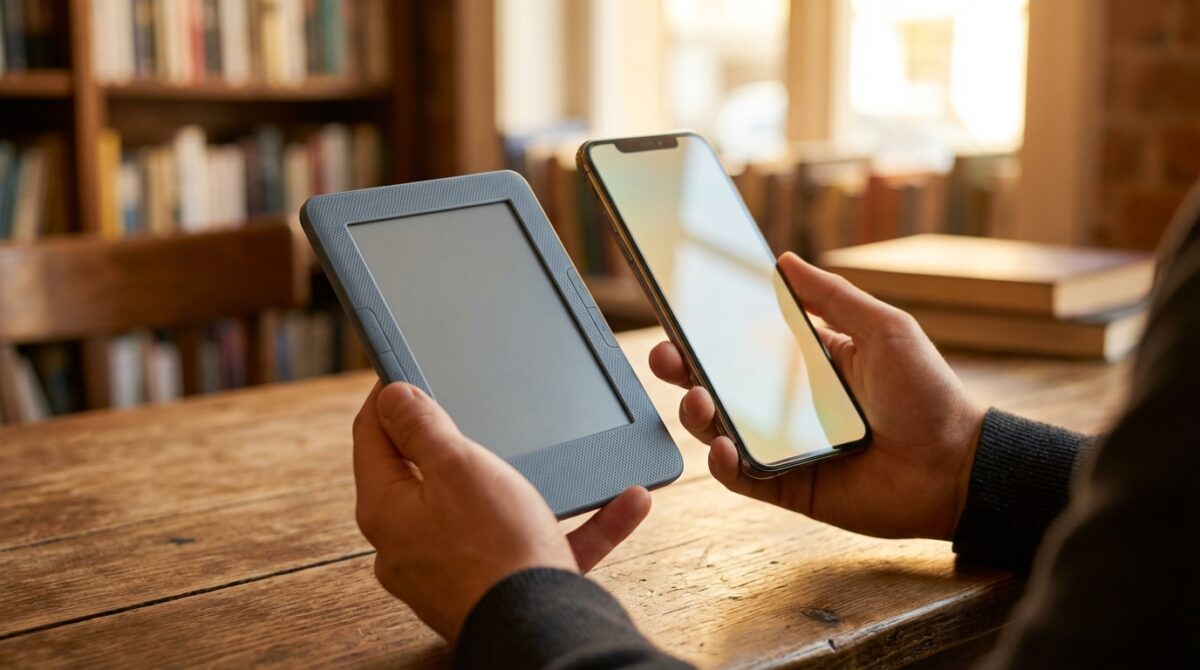
The Xteink X4 belongs to a new wave of budget-friendly e-reader devices that focus obsessively on size rather than features. Instead of competing with the latest Kindle or Kobo on resolution, lighting, or ecosystem, it doubles down on extreme portability. You are not meant to replace your main device; you are meant to always have a book with you, even when your bag stays at home.
The reference point for many long‑time digital reading fans is the tiny 5‑inch Kobo Mini. That model lacked front light and advanced typography options but stayed loved because it disappeared into a pocket. The X4 shrinks this idea further with a 4.3‑inch E Ink panel and slimmer bezels, so the whole device looks more like a small remote than a tablet. In daily use, that shift in scale changes behavior: people start reading in queues, in elevators, between meetings, moments where a larger e-reader would never leave the bag.
Apple’s iPhone 20 in 2027: A Revolutionary All-Glass Design with No Buttons
Xiaomi 17 Ultra Launches at a Steep €1,499 with Battery Life Reduced by 15%?
Pocket-first hardware design and the MagSafe dilemma
The marketing story around this affordable gadget initially leaned heavily on MagSafe-style mounting. Early promotional images showed the X4 snapped onto the back of an iPhone, transforming the phone into a dual-screen reading rig. On paper, this sounds like a clever piece of technology: one device for apps, a second for distraction‑free ebooks. In practice, magnet placement and phone size combinations often make the setup awkward, off-center, or simply unusable.
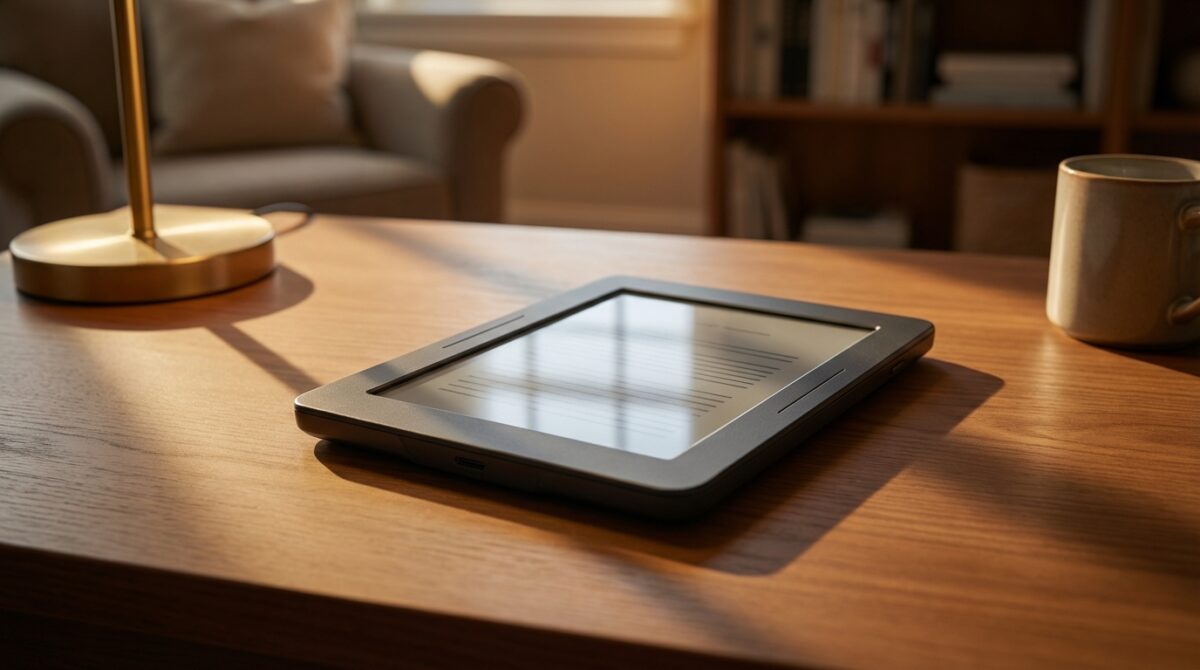
Users of newer iPhone models report that the magnets do not align in a way that keeps the e-reader comfortable or secure for active use. The manufacturer acknowledges that early testing covered only a limited range of phones and now includes adhesive magnetic rings as a workaround. Many owners end up skipping the whole attachment concept and treating the X4 purely as an ultra-compact standalone reader. At less than 6mm thick and supplied with a basic folio cover, it slips into a sling bag or jacket pocket in a way that even a 6‑inch Kindle cannot match, turning portability into its most persuasive form of value.
Display, navigation, and the strange learning curve of button-only control
Once the novelty of the tiny footprint fades, the reality of living with this budget-friendly e-reader becomes clear. The 4.3‑inch E Ink panel runs at around 220 pixels per inch, below the 300ppi standard now common on premium models from Amazon, Kobo, or the best devices highlighted in guides such as this selection of top e-readers tested by WIRED. For most text, the lower density remains acceptable, though small fonts and detailed graphics reveal jagged edges if you inspect them closely.
There is no integrated front light, which forces you back to a bedside lamp or travel torch for late‑night sessions. That absence will feel familiar to anyone who used first‑generation Kindles or early Sony Readers. The more disruptive omission today is the lack of a touchscreen. Instead of tapping, pinching, or swiping, every interaction flows through a cluster of unlabeled hardware buttons along the right edge and beneath the display. Several buttons are two‑sided, changing function depending on which half you press and where you stand in the interface.
How the button maze shapes the user experience
The result is an interface that feels more like operating an old MP3 player than a modern e-reader. You must memorize combinations: one side of a rocker to confirm, the other to go back, another key for home, yet another to move through menus. During the first days, accidental presses are frequent, sending you to the wrong menu or out of a book. Over time you build muscle memory, but the learning curve remains steeper than on touch-based rivals such as the best-value devices mentioned in this in-depth guide to affordable e-readers.
For some enthusiasts, there is a nostalgic charm in dedicated page turn buttons. Physical controls can be easier to operate with gloves, on public transport, or when your thumb rests on the bezel. Yet the inconsistency between contexts—library, settings, reading view—means that what could have been a tactile advantage turns into a cognitive tax. This tension between retro controls and modern expectations captures the broader user experience: charming in concept, but challenging until heavily customized.
Software limitations, file support, and the reality of a closed ecosystem
While competitors such as Onyx Boox run full Android and behave like small tablets, the X4 follows a minimalist path. The software focuses solely on digital reading, with official support for basic TXT and EPUB files and some image formats like JPG or BMP. There is no integrated store, no subscription service, and no direct library tie‑ins. You must bring your own files, ideally DRM‑free EPUBs sourced from public domain libraries, publishers, or storefronts that allow flexible downloads.
This approach can appeal to readers worried about vendor lock‑in, yet it also raises friction. Transferring books is surprisingly awkward. The device does not mount as a standard USB drive. Wireless upload over Wi‑Fi or via browser is advertised but often described as unreliable or “in development.” In practice, the most dependable method remains copying files onto the bundled microSD card using an external reader. The card slot itself sits recessed, making removal inconvenient without long nails or a thin tool. For a product marketed as simple and affordable technology, these hurdles feel avoidable.
Typography, formatting, and the limits of basic digital reading
Inside a book, the experience can be described as serviceable yet bare. Only two font sizes are offered, alongside three line spacing levels and almost no control over margins. Many styling elements defined by publishers—bold headings, special drop caps, decorative breaks—either vanish or display inconsistently. Images embedded in ebooks frequently fail to appear, leaving gaps where illustrations, charts, or comics panels should be.
The device technically supports custom fonts, but users often report inconsistent behavior when loading their own typefaces. Navigation features exist—chapter jumps, page numbers, bookmarks, and even timed auto page turns—yet each requires stepping through menus driven by the same unlabeled buttons. Compared with the polished layouts on a Kindle Paperwhite, a Kobo Libra, or tiered recommendations from platforms like Good e-Reader’s budget roundup, the X4 feels like a project midway through development. For readers who value typography as part of user experience, this becomes the main functional challenge.
Community firmware, open experimentation, and the promise behind the rough edges
Where the X4 becomes truly interesting for technology enthusiasts is not its out-of-the-box behavior, but how open it remains to modification. The manufacturer has already released several firmware updates aiming to refine the interface and stability. More significantly, it has not attempted to lock down the device. This openness has encouraged a small but active community to create alternative firmware, with CrossPoint Reader being one of the most discussed options.
Installing CrossPoint Reader turns the spartan interface into something closer to a modern e-reader. Onscreen labels explain what each button does in a given context. Readers gain more fonts, more sizes, and finer-grained control over page appearance. Menu structures simplify, and common actions sit closer to the surface. For many owners, this community-developed layer unlocks the promise hidden behind the original software, without requiring hardware changes or risky hacks.
From curiosity to daily companion: a case study
Consider Alex, a product manager who already owns a Kobo Libra 2 as a primary reading device. The Libra 2 offers a sharp 7‑inch 300ppi screen, waterproofing, lighting, and a mature store. On paper, there is little reason to buy a secondary, more limited gadget. Yet Alex found the larger reader stayed at home during commutes because of space and weight, while the phone encouraged news feeds rather than long-form reading. The X4, even with its quirks, fit perfectly into the side pocket of a small sling bag.
Initially, Alex struggled with the stock firmware, missing margin controls and losing patience with navigation. After installing CrossPoint Reader, the balance shifted. Page turns became predictable, text layout looked cleaner, and the lack of lighting felt less problematic during daytime travel. The main e-reader remained the evening and weekend workhorse, but this tiny companion took over all five-minute windows across the day. In this blended setup, the device’s earlier challenges transformed into manageable trade-offs in exchange for always-on-hand digital reading.
- Out-of-the-box, the X4 feels constrained but functional for simple EPUB novels.
- With community firmware, it becomes a more flexible, pocketable companion to a main reader.
- For non-tinkerers, mainstream models from brands featured on sites like PCMag’s tested e-reader list may provide smoother value.
How to decide if this tiny e-reader is worth your money
The X4 sits at an unusual intersection of affordability, experimentation, and compromise. Its low price undercuts many entry-level models listed in roundups of cheap devices, such as those tracked by specialist blogs that monitor the least expensive e-readers each year. Buyers drawn to this product often prioritize three aspects: portability beyond standard 6‑inch readers, relief from phone distractions, and a willingness to tweak firmware or workflows.
If your priorities lean more toward polished ecosystems, integrated bookstores, and effortless syncing across phone, tablet, and dedicated e-reader, mainstream options will serve you better. Guides such as comparative tests of budget-friendly e-readers highlight models that pair low price with intuitive design and strong support. Those devices might weigh more and occupy larger pockets, but they reduce friction and demand less patience from their owners.
Matching the device to your reading habits and expectations
The right question is not whether the X4 is objectively good, but whether its specific balance of challenges and promise matches your habits. If you already maintain a curated library of DRM‑free EPUBs, enjoy tinkering with firmware, and value the ability to read during any spare moment, the device offers a kind of experimentation rare in the e-reader space. You trade screen lighting and seamless file transfer for a tool that invites modification and community involvement.
For readers who want digital reading to “just work” with minimal configuration, the same characteristics that excite enthusiasts may feel like obstacles. The budget-friendly price does not erase the time investment required to adapt the device to your preferences. Ultimately, this tiny e-reader represents a niche philosophy in the evolution of reading technology: less ecosystem, more personal control, and a reminder that even small, affordable gadgets can inspire both frustration and genuine affection.
Who should consider this budget-friendly e-reader over a standard Kindle or Kobo?
This device suits readers who value extreme portability, already manage their own DRM-free EPUB library, and do not mind installing community firmware. If you mainly want a polished store, seamless syncing, and sophisticated typography, an entry-level Kindle or Kobo will usually provide a smoother experience.
Is the lack of touchscreen a deal-breaker for most users?
For many people used to phones and tablets, navigating only with unlabeled buttons feels slow and confusing at first. Over time, muscle memory helps, yet the interaction never becomes as intuitive as tapping a touch display. If ease of use matters more than pocketability or experimentation, a touch-based e-reader will be a better fit.
Can the software limitations be fixed through updates or custom firmware?
Official updates have improved stability and the interface, but they do not fully close the gap with mainstream devices. Community firmware such as CrossPoint Reader adds button labels, more fonts, and better layout control, significantly enhancing the user experience. Installing it is reversible, but it still requires a willingness to experiment.
How difficult is it to load ebooks onto this affordable device?
Apple Eyes Its Second Foldable iPhone, Potentially Adopting a Sleek Clamshell Design
Sony wf-1000xm6 revealed: first images and exciting new features including an innovative array of microphones
The most reliable method is copying files onto the included microSD card using a separate card reader, which some users find inconvenient due to the recessed slot. Wireless transfer options exist but are not consistently dependable. Readers expecting simple plug-and-play USB transfer may find this workflow more complex than expected.
Does this tiny e-reader work well as a primary reading device?
For light, casual reading of simple EPUB novels, it can function as a main device. However, the small 4.3-inch screen, lack of lighting, and limited formatting options make it less comfortable for long sessions or graphic-heavy content. Many owners end up using it as a secondary, always-with-them companion alongside a larger, more capable e-reader.
