
Show summary Hide summary
- The Galaxy S26 Ultra privacy display that changes habits
- How Samsung’s privacy tech works behind the glass
- From convenience to paranoia: new privacy concerns
- Design, AI integration and camera upgrades behind the screen
- Real-world use: from Barcelona streets to office corridors
- Pricing, rivals and what this means for future smartphones
- Key takeaways for professionals and privacy-conscious users
- How does the Galaxy S26 Ultra privacy display differ from a physical filter?
- Can I limit the privacy feature to certain apps only?
- Does the privacy mode reduce battery life or screen quality?
- Are the camera and AI features exclusive to the Galaxy S26 Ultra?
- Is the Galaxy S26 Ultra worth upgrading from an older Ultra model?
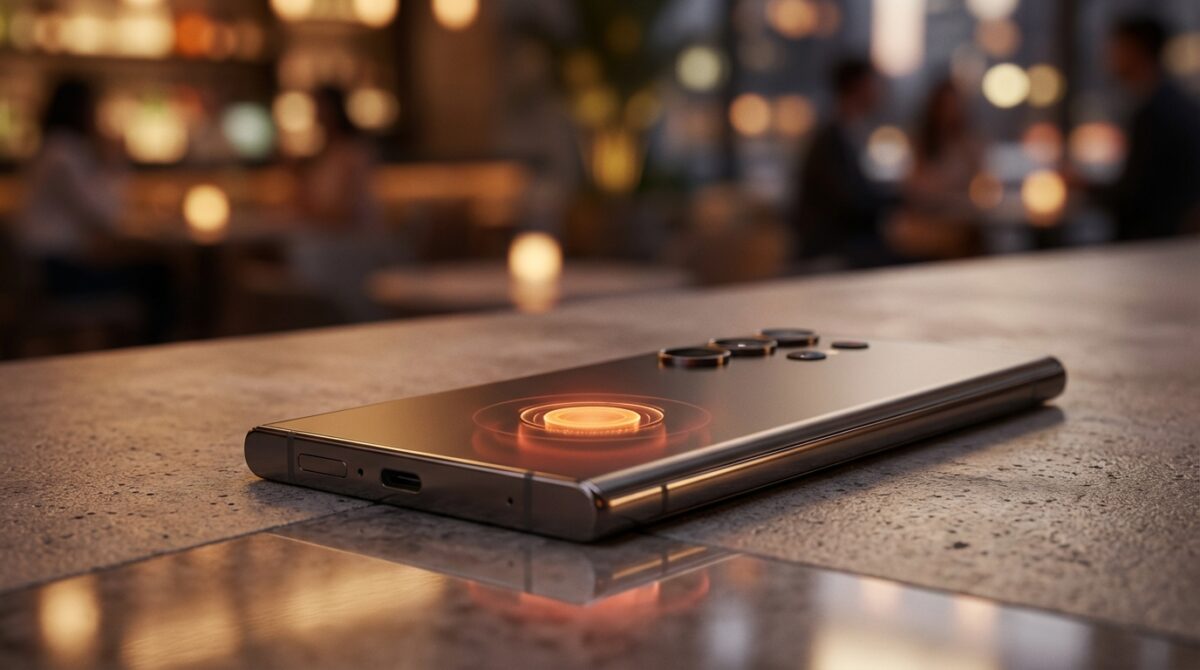
The first time you toggle Samsung’s new Privacy Display on the Galaxy S26 Ultra, the room suddenly feels different. Your Smartphone does not just show content anymore; it decides who is allowed to see it. That small switch delivers both relief and a faint sense of paranoia.
The Galaxy S26 Ultra privacy display that changes habits
The Privacy Display is the most talked‑about exciting feature on the Galaxy S26 Ultra because it reshapes how you hold and share your screen in public. Instead of relying on a bulky filter, the phone uses pixel‑level control to narrow viewing angles when you need discretion. Someone beside you sees a dim, unreadable blur, while you continue reading a banking app or corporate email as usual.
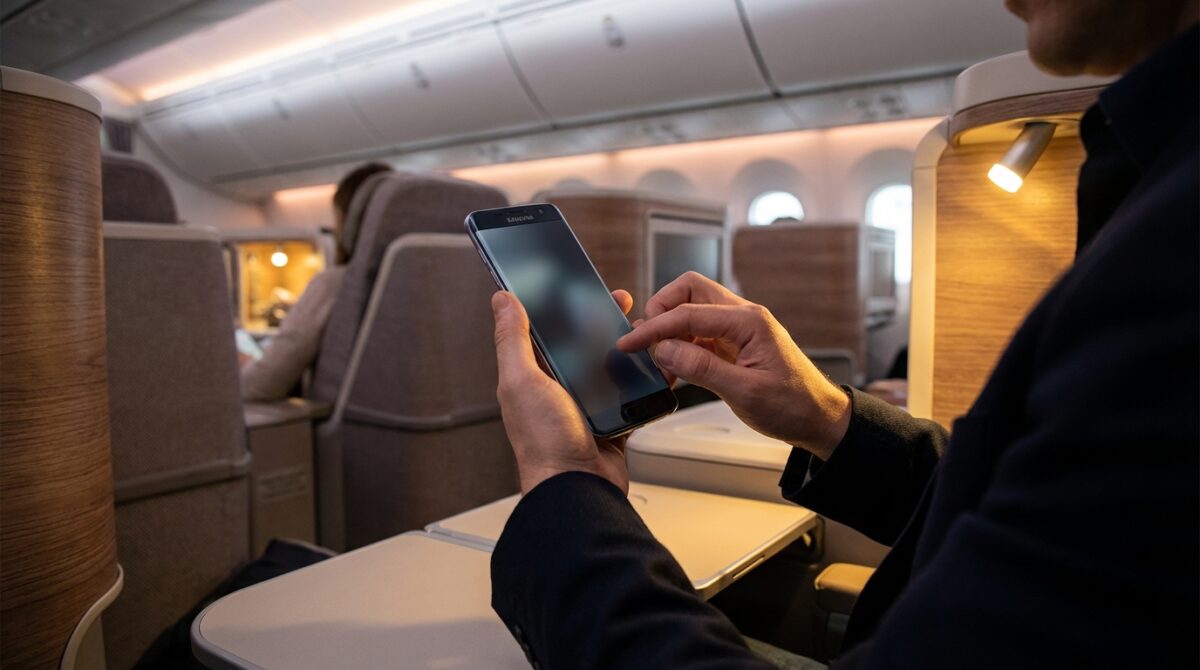
During a long-haul flight, a product manager named Lena used the S26 Ultra to prepare a confidential pitch deck. She enabled Privacy Display only for her notes and messaging apps, leaving everything else visible. The colleague in the next seat could not glance at her draft slides, yet movies and casual browsing looked normal. That ability to target specific apps quietly changes behavior: you stop shielding your screen with your hand and start trusting the Technology itself.
At Last! My Ultimate Camera Phone Is Here: An In-Depth Review of Xiaomi’s Leica Leitzphone
Admiring the Sleek Elegance of Honor’s V6 Foldable Phone Design
How Samsung’s privacy tech works behind the glass
The Privacy Display on the Galaxy S26 Ultra does not rely on a plastic overlay like old privacy filters. Instead, Samsung drives the OLED panel in a special mode that manipulates brightness and viewing angles at the pixel grid level. In technical terms, parts of the image are re‑rendered with reduced side luminance, so information fades for off‑axis viewers while staying readable from straight ahead.
You decide how aggressive the effect should be. In the settings menu, Privacy Display can apply to full-screen use, to selected apps, or even only to notification pop‑ups. When only banners are protected, the main interface remains bright, but floating alerts appear as dark blocks to anyone not aligned with the screen. This fine-grained control prevents the “always tinted” problem of physical protectors and makes the feature feel like a tool, not a burden.
From convenience to paranoia: new privacy concerns
Once you experience this level of control, a new question emerges: what happens when your Smartphone can invisibly hide content from everyone around you? That power can trigger fresh privacy concerns. Managers in open offices might find it harder to notice when sensitive data is displayed, because there is no visible filter attached to the device. Colleagues cannot tell whether someone is reading private HR emails or just checking the news.
The S26 Ultra also encourages users to keep more sensitive material on-screen during commuting or travel, precisely because they feel protected. According to several hands‑on reports, including early impressions from PCMag’s Unpacked coverage, testers started drafting business documents openly on trains and planes within hours. That confidence may be justified, yet it subtly shifts risk calculations, especially in crowded environments like conferences or airports.
Design, AI integration and camera upgrades behind the screen
Focusing only on the Privacy Display would miss how tightly it is woven into the Galaxy S26 Ultra’s broader Innovation story. The device is slimmer and lighter than its predecessor, with a refined, almost Futuristic design that feels less blocky in hand. At 7.9 mm thick and around 214 grams, it slips more easily into a pocket, which matters when you carry a large 6.9‑inch flagship all day.
Inside, Samsung pairs an exclusive Snapdragon 8 Elite Gen 5 chipset with upgraded cooling, reinforcing reports from outlets like Digital Trends on the S26 Ultra’s custom silicon. This hardware underpins new AI integration across the interface. Features such as Photo Assist in the Gallery let you issue natural-language commands—“remove reflection,” “fill in burrito,” or “brighten sky”—and watch the image transform. Video tools like Horizontal Lock stabilize the horizon even when you rotate the phone wildly while walking through a city like Barcelona at dusk.
Real-world use: from Barcelona streets to office corridors
Camera hardware on the Galaxy S26 Ultra looks familiar on paper: a 200‑megapixel wide sensor, 50‑megapixel ultrawide, 10‑megapixel 3x telephoto, 50‑megapixel 5x telephoto, and a 12‑megapixel front camera. The difference arises in the processing pipeline. Low‑light frames are combined more intelligently, so a mocktail in a dim tapas bar keeps its neon colors while backgrounds stay clean. Zoomed shots of mosaics or cathedral facades hold their texture even at 10x, where older flagships often produced muddy edges.
For a fictional marketing consultant, Amir, this advanced camera suite has become part of his workflow. He photographs whiteboards in client offices, then uses AI integration to enhance contrast and straighten perspectives. Later, when he reviews shots on a train, Privacy Display blocks prying eyes from absorbing strategy notes he captured earlier in the day. The exciting feature and Advanced camera are not separate perks; together, they create a mobile studio that respects confidentiality.
Pricing, rivals and what this means for future smartphones
Despite the added Technology, Samsung kept the Galaxy S26 Ultra at roughly the same launch price as the S25 Ultra, around $1,300 in most markets. Analysts expect component shortages, particularly for high-density RAM, to pressure prices across the industry, so holding that line signals strategic confidence. Meanwhile, the smaller S26 and S26+ moved slightly upward in cost, positioning the Ultra as the most value-stable option in the family.
Comparison guides such as this breakdown of S26, S25 and S24 Ultra differences highlight how privacy and AI now act as primary differentiators, not just raw performance numbers. Apple rumors tracked by sites like The Black Dog Chester suggest that future iPhones may respond with their own display-based privacy modes or color-coded indicators. When one flagship sets a new expectation—that your screen can selectively hide itself—competitors usually follow, just as high refresh rates and night modes spread across the market.
Key takeaways for professionals and privacy-conscious users
The Galaxy S26 Ultra introduces a new balance between convenience and discretion. For readers who live with sensitive information, several habits are worth adopting:
- Enable Privacy Display by default for banking, password managers and corporate email apps.
- Use notification-only protection in public spaces where you quickly glance at alerts.
- Regularly review which apps have privacy mode enabled to avoid confusion.
- Combine Privacy Display with strong screen lock methods and secure Wi‑Fi practices.
- Educate colleagues about the feature so they understand when content may be intentionally hidden.
Handled thoughtfully, this Innovation turns the Smartphone screen into an active participant in your security posture rather than a passive window that anyone can read over your shoulder.
How does the Galaxy S26 Ultra privacy display differ from a physical filter?
The Privacy Display is built into the OLED panel of the Galaxy S26 Ultra. Instead of adding a plastic layer on top of the glass, the phone drives pixels in a special mode that narrows viewing angles and dims content for off-axis observers while staying readable from straight ahead.
Can I limit the privacy feature to certain apps only?
Yes. In the settings menu, you can assign Privacy Display to specific applications such as banking, email or messaging. You can also choose to apply it only to notification pop-ups, so alerts are hidden from bystanders while the rest of the screen remains fully visible.
Does the privacy mode reduce battery life or screen quality?
Privacy Display slightly alters brightness and viewing angles, but everyday tests indicate the impact on battery life is modest. When the mode is disabled, the screen behaves like a standard high-end OLED with full brightness and clarity, so there is no permanent quality loss.
Are the camera and AI features exclusive to the Galaxy S26 Ultra?
Capturing Luxury Cars Becomes Effortless with the Galaxy S26’s Innovative Camera Feature
Xiaomi 17: A Compact Smartphone Packing a Surprisingly Powerful Battery
The Galaxy S26 Ultra offers the most complete combination of Advanced camera hardware and AI tools, yet some features, including Horizontal Lock and Photo Assist, also appear on the S26 and S26+. Performance and flexibility are highest on the Ultra because of its stronger chipset and cooling design.
Is the Galaxy S26 Ultra worth upgrading from an older Ultra model?
Users coming from the S24 Ultra or earlier gain the Privacy Display, better AI integration, refined low-light photography and faster charging, while keeping a similar price point. Those on the S25 Ultra may notice smaller but still meaningful gains, especially if privacy in shared spaces is a daily concern.
