
Show summary Hide summary
- Why satellite location sharing on iPhone matters
- Requirements before you share your location via satellite
- Step-by-step: Sending your location via satellite on iPhone
- Practical scenarios: Using satellite sharing to stay connected
- Limitations, safety tips and best practices for satellite use
- Checklist for reliable off‑grid iPhone satellite connectivity
- Does satellite location sharing work without GPS enabled?
- How often should I send my location when I am off-grid?
- Can satellite sharing replace a dedicated GPS tracker?
- Will my contact receive alerts if I move after sending my location?
- Is there a cost to using satellite location sharing on iPhone?
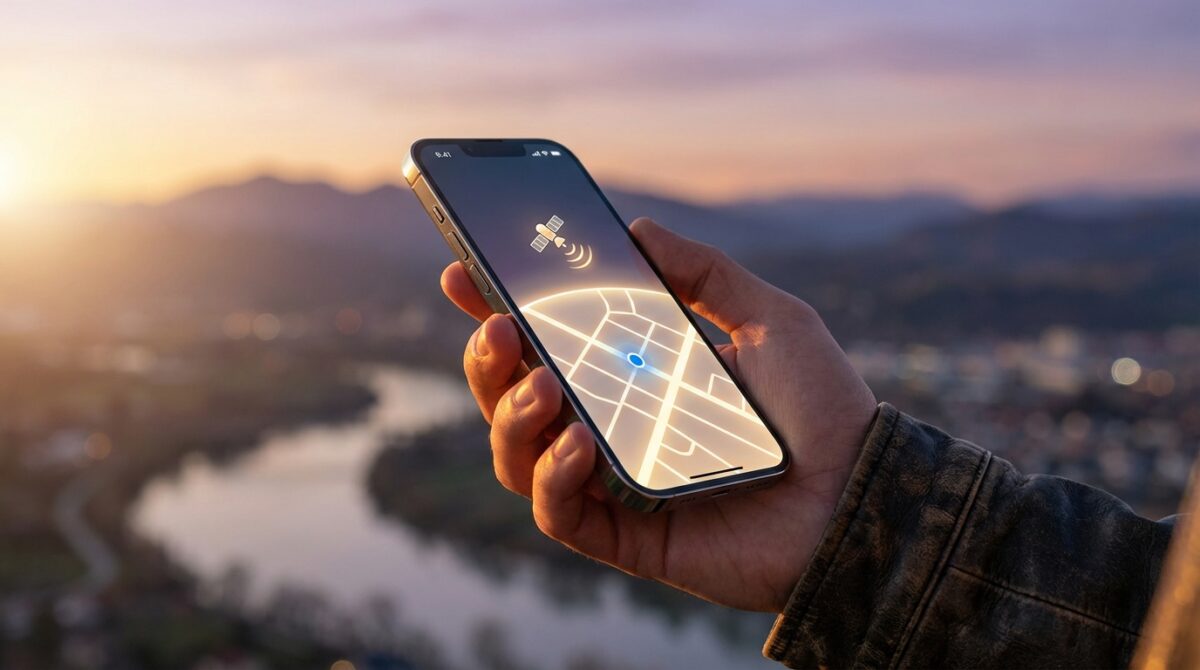
Imagine standing on a ridgeline with no bars on your iPhone, yet your family still sees exactly where you are. Satellite location sharing turns that scenario from stressful to manageable, giving you a simple way to stay connected even when every familiar network disappears.
Why satellite location sharing on iPhone matters
For many people, the first real test of satellite connectivity comes not in a disaster, but on a weekend hike, a road trip through remote areas, or a long-distance flight. Traditional GPS and mobile networks work together in cities, yet they often fail as soon as you cross into mountains or sparsely populated regions. Satellite location sharing on iPhone fills this coverage gap by letting your device talk directly to satellites when regular connectivity disappears.
Apple introduced this capability on iPhone 14 models and has continued to refine it with later generations and iOS updates. The goal is straightforward: offer a reliable backup channel for location tracking and basic communication. Instead of leaving friends and family guessing about your whereabouts, you can push a precise location snapshot through space and back down to their Find My app. Hikers, solo travelers, pilots in general aviation, and even road workers in isolated zones are starting to integrate this feature into their safety routines because it offers a pragmatic layer of reassurance.
Xiaomi’s Tracker: Secure Your Keys Without the Need for a Case Clip
Xiaomi 17 Ultra: A Brilliant New Titan in Mobile Photography
How iPhone uses satellites when networks disappear
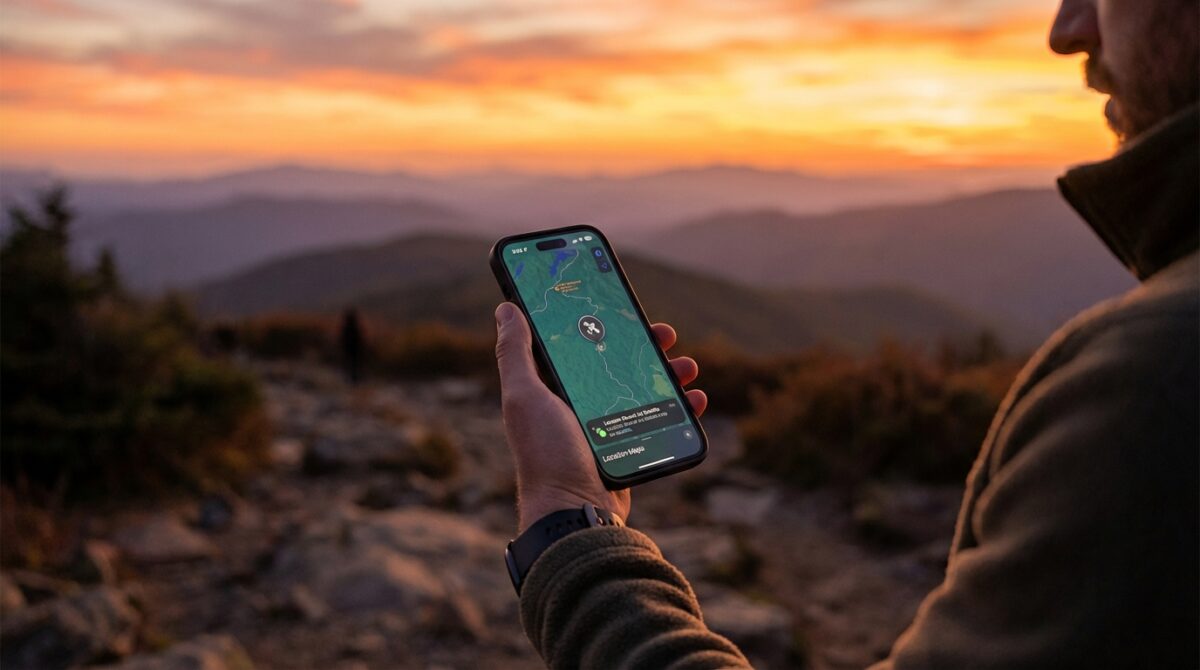
When your iPhone loses access to cellular and Wi‑Fi, it does not stop knowing where you are; its GPS chip still calculates your position using signals from navigation satellites. The missing piece is a transport channel to share that location with others. Satellite location sharing solves this by turning the sky into a communications bridge. Your iPhone sends a tiny data packet upward to a low‑Earth‑orbit satellite, which then relays it to Apple’s infrastructure before it reaches your chosen contact.
This process is deliberately constrained. The bandwidth is limited, so you are not streaming real‑time tracking or rich media. Instead, you send a concise location snapshot with a timestamp. According to Apple’s support documentation, this design keeps the connection efficient and improves the chance of a successful transfer even if you only have a narrow window of visibility to the satellite. For users, the result feels uncomplicated: you follow on‑screen guidance, hold the device towards the open sky, and within minutes your position appears on a trusted person’s map.
Requirements before you share your location via satellite
Before relying on any satellite feature, you need to verify that your hardware, software, and region support it. Location sharing via satellite is available only on iPhone 14 and later models, running iOS 18 or a newer release. Older devices still offer standard GPS and Find My over cellular or Wi‑Fi, but they cannot talk directly to satellites. This hardware dependency reflects the dedicated antennas and radio components required for stable off‑grid connectivity.
Coverage is also regulated geographically. Satellite services are authorized country by country, which means an iPhone bought in one market may behave differently in another. Apple maintains an updated list of supported regions in its official guidance, and technology outlets such as Mundobytes track new rollouts and policy changes. Before a remote expedition, you should check whether your intended destination falls within an area where Apple’s satellite services operate, and confirm that free service or subscription terms are active on your device.
Configuring privacy, Find My and contacts in advance
Satellite sharing depends on the same privacy foundations as everyday location features. You must first enable Location Services in Settings under Privacy & Security. Within that menu, the Find My app needs permission to access your location so that it can combine GPS data with satellite connectivity when required. Without this configuration, your iPhone may know its coordinates, but it will not be allowed to transmit them on your behalf.
Next comes the human side of the setup. In the Find My app, you choose who is allowed to see your location. Only contacts approved here can receive satellite location updates later, when you stand outside network coverage. You might select a spouse, a hiking partner, or a colleague overseeing field operations. Many outdoor enthusiasts run a quick test from home using standard networks to ensure those contacts can already view their position, which avoids last‑minute surprises once they are offline and dependent on the satellite channel.
Step-by-step: Sending your location via satellite on iPhone
Once you are beyond cellular and Wi‑Fi reach, the workflow in the Find My app changes subtly. You open the app, switch to the Me tab, and the interface detects that usual forms of connectivity are unavailable. When the environment is suitable, you see prompts guiding you towards satellite mode. This context awareness matters because it reassures you that the device understands the situation and is ready to switch to its emergency‑grade communication path.
After you choose to share your location, the iPhone launches a visual assistant. Arrows and indicators tell you how to tilt and rotate the device until it finds the satellite. Users often describe this as similar to aligning a camera with a moving object in the sky. During this step, you hold the phone away from obstacles such as buildings, dense branches, or vehicle roofs to maximize line of sight. When the connection stabilizes, a progress bar tracks the transmission until your GPS coordinates and timestamped metadata reach Apple’s network.
What your contact actually sees in Find My
On the recipient’s side, the experience feels familiar. The location appears on the Find My map, just like a regular share, but with a clear time marker that indicates when the snapshot was sent via satellite. There is no continuous trail or live tracking; you are sharing a momentary fix that might represent a trail junction, a campsite, or a roadside stop. If you move significantly and want to update your position, you repeat the sending process the next time conditions allow.
Guides from sources such as Tom’s Guide and Apple’s own manual emphasize battery management at this stage. Each satellite transmission consumes more power than a typical text because the radio works harder to reach space. Outdoor professionals therefore treat satellite location sharing as a deliberate action: they send a few targeted updates rather than a constant stream, preserving energy for navigation apps, offline maps, and, when available, Emergency SOS.
Practical scenarios: Using satellite sharing to stay connected
Consider Maya, a photographer who spends weekends exploring canyons far from urban coverage. She relies on offline topographic maps for navigation and keeps her iPhone charged with a compact power bank. When she reaches each planned checkpoint, she sends a satellite location snapshot to her partner. The message reassures her family, while the timestamp acts as a breadcrumb trail of verified positions in case weather or terrain complicates her return route.
Another example comes from general aviation. A private pilot crossing sparsely populated regions can combine cockpit avionics with iPhone satellite location sharing as a backup layer. If an unexpected diversion forces a landing at a remote strip, a quick update through Find My informs ground contacts of the new position. Articles from aviation‑focused sites such as iPad‑oriented news outlets and smartphone tutorials, including flight‑centric guides, highlight how this blend of GPS navigation and satellite communication strengthens situational awareness without replacing formal aviation reporting procedures.
When to combine satellite sharing with other tools
Satellite location sharing does not operate in isolation. Many users pair it with Emergency SOS via satellite, roadside assistance services, and even third‑party messengers on compatible devices. A step‑by‑step tutorial such as this satellite messaging guide shows how basic text communication can complement pure location tracking during extended trips. You might first send your coordinates through Find My, then follow up with a short message explaining your status.
Some professionals also integrate the feature into company safety protocols. Field engineers or survey teams working in remote areas agree on check‑in times. If a person misses a scheduled satellite update, coordinators cross‑reference the last known GPS fix with planned routes, then decide whether to escalate. This approach respects the limitations of satellite bandwidth while still using it to anchor practical, human‑centered workflows that reduce uncertainty and response times.
Limitations, safety tips and best practices for satellite use
Despite its benefits, satellite location sharing has clear boundaries. It is not a substitute for Emergency SOS, which is specifically designed to connect you to local emergency services through dedicated relays and trained operators. Satellite sharing through Find My simply tells your contacts where you are; it does not trigger police, ambulance, or rescue teams unless they are separately alerted by someone who has your location.
Environmental conditions introduce another layer of complexity. Dense forests, steep canyon walls, heavy storms, and urban high‑rise clusters can all interfere with the line of sight needed for satellite connectivity. Users sometimes report moving a few meters into a clearing or stepping away from a vehicle before the connection assistant finds a satellite. Planning for these delays helps you stay calm when the first attempt takes longer than expected, especially if you are cold, tired, or under time pressure.
Checklist for reliable off‑grid iPhone satellite connectivity
To increase the chances of consistent performance, experienced users follow a simple preparation checklist. They test satellite features near home using Apple’s built‑in demo mode so the gestures feel natural later. They keep software updated, since iOS releases often refine satellite algorithms and battery management. They also carry at least one external power source, treating their iPhone as a multi‑tool for GPS navigation, tracking, and emergency communication, not just a camera or entertainment device.
Before each trip, they review key contacts in Find My, confirm that those people understand how to interpret a satellite location snapshot, and agree on expectations: when to worry, when to wait, and how to respond. This human agreement is as important as the technology itself. When everyone shares the same mental model, satellite location sharing becomes a quiet but reliable safety net that supports confident exploration far beyond ordinary connectivity.
- Verify device compatibility (iPhone 14 or later with current iOS).
- Enable Location Services and configure Find My permissions.
- Set trusted contacts and test sharing on regular networks first.
- Practice the satellite connection demo before any expedition.
- Carry extra battery capacity for extended trips in remote areas.
Does satellite location sharing work without GPS enabled?
No. The iPhone relies on GPS to determine your position before it can send anything via satellite. If Location Services are disabled or the device cannot obtain a GPS fix, the satellite channel has no coordinates to transmit. Always keep Location Services active when you plan to travel beyond regular coverage.
How often should I send my location when I am off-grid?
There is no single rule, but many users send an update at key waypoints such as trailheads, summits, campsites, or unplanned stops. This keeps battery usage under control while still building a meaningful trail of timestamped locations for friends, family, or coordinators monitoring your journey.
Can satellite sharing replace a dedicated GPS tracker?
For casual adventures, iPhone satellite sharing may be sufficient, especially when combined with offline maps. Professional expeditions, search-and-rescue teams, and long polar trips often keep dedicated satellite trackers that support continuous tracking, weather updates, and SOS buttons alongside the iPhone as an additional layer.
Will my contact receive alerts if I move after sending my location?
Top Smart Baby Monitors of 2026: Expert Reviews and Mom-Tested Picks
Xiaomi’s Leitzphone by Leica Boasts a Massive 1-Inch Camera Sensor and Sleek, Modern Design
No. The satellite feature sends a single snapshot of where you were at the time of transmission. Your contact will not receive movement alerts or an updated trail unless you manually send another satellite location from your new position. It is best to agree in advance when you will send follow-up updates.
Is there a cost to using satellite location sharing on iPhone?
Apple initially bundles satellite services, including Emergency SOS and location sharing, for a limited period after activating a compatible iPhone. Pricing and extensions can vary by region and time, so you should review current terms in Settings or Apple’s support documentation before relying on the service for critical travel plans.
