Show summary Hide summary
- The iPhone Background Sounds feature that replaced my white noise machine
- Designing a sleep routine around technology instead of against it
- Real-world impact: from scam calls to travel-proof sleep quality
- Practical steps to integrate Background Sounds into your wellness strategy
- How Background Sounds fits into the future of digital sleep technology
- Does Background Sounds really improve sleep quality?
- Will Background Sounds drain my iPhone battery overnight?
- Can I use Background Sounds together with other audio apps?
- Is Background Sounds better than dedicated white noise machines?
- Should I replace professional medical advice with iPhone sleep features?
You probably did not buy your iPhone expecting it to fix your sleep. Yet a hidden feature buried in Accessibility quietly turned my chaotic nights into predictable, deep rest without extra apps, gadgets or subscriptions.
Instead of another theoretical guide about sleep hygiene, this is a concrete story about how one Background Sounds toggle reshaped my sleep quality, travel routine and relationship with night-time technology.
The iPhone Background Sounds feature that replaced my white noise machine
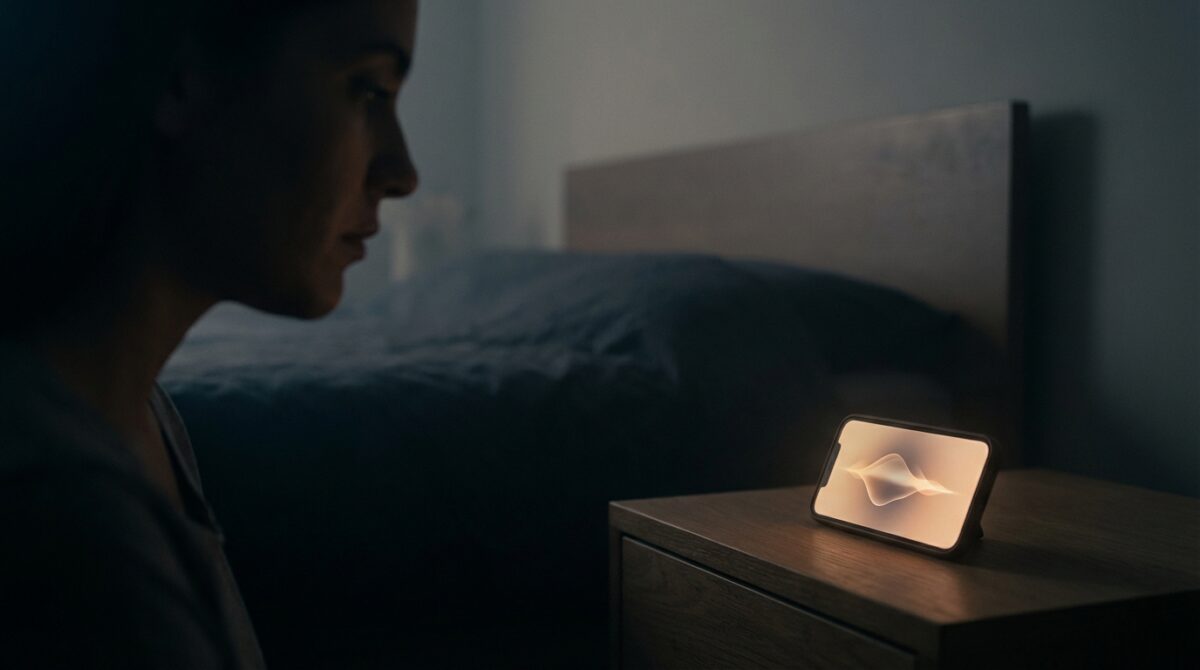
The discovery started in a moment of frustration, not curiosity. I had already tried blue-light filters, strict night mode schedules and every sleep tracking app I could find. None of them stopped the late-night noise from my street or the racing thoughts that kept me awake. While exploring the Accessibility settings on my iPhone, I tapped on something called Background Sounds, expecting very little, and instead found an audio toolkit that behaved like a built-in white noise machine.
How a Budget-Friendly Soil Sensor Rescued My Delicate Houseplants
Nerf Unveils Rebel Ops Blasters: Gear Up and Pick Your Battlefield Role
Background Sounds provides several ambient soundscapes: ocean, rain, stream, night, fire, balanced noise, bright noise and dark noise. Each sound has its own texture and volume pattern. Ocean is steady and rhythmic, rain is soft and diffuse, stream has a gentle babbling quality, while the different “noise” options resemble classic white, pink or brown noise. Because the sounds are processed locally by the device, there is no need for a network connection once they are downloaded, which makes them reliable in hotel rooms, planes or rural areas with weak signal.
How to enable Background Sounds and turn your iPhone into a sleep tool
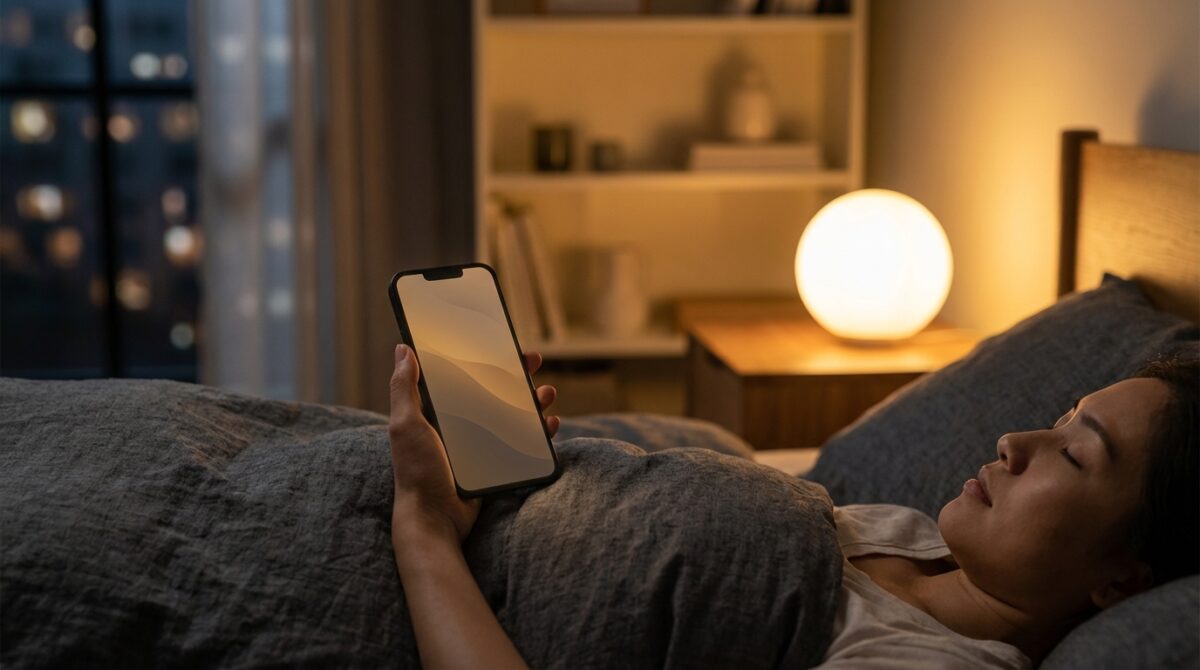
Turning Background Sounds into a nightly ally requires a one-time setup. On any iPhone running iOS 15 or later, you open Settings, search for Control Center and then tap “Add a Control.” Under the Hearing section you will find Background Sounds. Once added, an icon with three musical notes appears in Control Center. From there, a long press opens the sound picker and volume slider, so you can choose ocean, rain or any of the other options and adjust volume relative to your main system sound.
Several configuration choices determine how well this feature supports sleep improvement. You can let the soundscape play continuously, or restrict it to moments when other media is active, for example when you use a meditation app. You may also decide whether the sound stops when the phone locks or keeps running with the screen off, which saves battery during long nights. When combined with night mode or Sleep Focus, the iPhone becomes a compact sleep companion that blocks unpredictable noise and encourages a consistent wind-down ritual.
Designing a sleep routine around technology instead of against it
For years, sleep experts warned you to keep smartphones out of the bedroom, mainly because of blue light and compulsive scrolling. The paradox is that the same device that disrupts rest can be reconfigured into a predictable signal that tells your brain “night has started.” In my case, the routine is simple: at the same time every evening, I enable Sleep Focus, lower screen brightness, open the Background Sounds tile and start the ocean track. That sequence alone acts like a mental switch from productivity to rest.
This approach aligns with how digital health researchers talk about behavioral cues. A repeated combination of sensory signals, such as dim light, constant sound and reduced notifications, helps calm the nervous system. Sleep tracking apps then provide feedback the next morning on how long you slept, how frequently you woke up and whether your night-time awakenings decreased compared with days when you forgot to run Background Sounds. Over several weeks, this feedback loop turns a casual feature into part of a structured wellness strategy.
When a hidden iPhone feature solves problems that gadgets could not
Many people purchase expensive stand-alone white noise machines or subscription apps that stream soundscapes. I had tried similar tools before, although managing separate devices during travel quickly became annoying. With Background Sounds, the iPhone itself replaces that extra hardware. Everything runs offline, in airplane mode if needed, and you only carry one charger. Articles such as experiences from Tom’s Guide writers describe the same shift: the smartphone stops being an enemy of sleep and becomes a configurable instrument.
This change also fits in a broader trend where personal technology assists mental health and wellness instead of harming it. Wearables like the Apple Watch or the latest Huawei and Amazfit devices measure heart rate, movement and sometimes skin temperature to evaluate sleep stages. Reports on affordable Apple Watch models highlight how mainstream these measurements have become. In that context, Background Sounds plays a complementary role: while sensors track your night, the audio layer shapes the environment that makes rest more likely.
Real-world impact: from scam calls to travel-proof sleep quality
No feature is perfect, and Background Sounds taught me that even a small glitch can disturb an otherwise calm night. For a while, I used Sleep Focus with the option that lets only favorites call during the night. Unexpectedly, every time a spam caller rang, the ocean sound stopped abruptly. The ringtone itself did not always break through, but the sudden silence woke me up, forcing me to wait until the call ended before restarting the soundscape. During a period with frequent scam calls, this pattern damaged my sleep quality more than outside traffic ever did.
The workaround was simple but required a communication change: all calls are now silenced during Sleep Focus, and my emergency contacts know to call my partner, who naturally wakes earlier. In exchange, my own device stays acoustically stable from bedtime until alarm time. This compromise illustrates a broader lesson for digital health: you sometimes need to adjust social expectations and notification rules to unlock the benefits of a tool. Without that change, Background Sounds would have remained another abandoned experiment.
Why this feature became indispensable when travelling
The impact of Background Sounds becomes most obvious away from home. Hotels, guest rooms and rented apartments come with unpredictable noise signatures: corridor doors slamming, neighboring televisions, dogs, traffic or early-morning birds. During work trips, I now treat the iPhone as a portable acoustic shield. After checking the locks and setting alarms, I put the phone on the nightstand, enable airplane mode, start ocean or rain, and let the sound drown out unfamiliar disturbances.
This portability removes the need for separate white noise machines or reliance on local equipment. I have used the same routine in small city hotels, quiet suburban homes and on overnight trains. Other writers who describe how a hidden iPhone hack improved their rest mention similar experiences: when your sleep environment changes often, having a stable audio backdrop in your pocket becomes a form of psychological safety. The brain recognizes the consistent sound as “home,” even if the bed, climate and time zone differ.
Practical steps to integrate Background Sounds into your wellness strategy
Turning this feature into a reliable ally requires more than toggling it once. You gain the most benefit when Background Sounds supports a broader sleep improvement plan. Think about three layers: environment, behavior and tracking. The environment includes lighting, temperature and noise; behavior covers bedtime rituals and screen habits; tracking involves whatever technology you use to observe patterns. Background Sounds primarily addresses the environmental noise component, yet it also nudges behavior because its activation becomes part of your pre-sleep sequence.
For many users, a simple checklist helps embed the habit. You might combine Background Sounds with reduced blue light, a strict “no social media in bed” rule and a consistent wake-up time. Content from publications such as CNET’s digital health coverage or guides on using Sleep Mode effectively often emphasise such stacking of small optimisations rather than expecting a miracle from one setting alone.
A simple night routine that uses your iPhone wisely
Many readers appreciate a clear sequence they can test immediately. The following routine uses only built-in iOS tools and focuses on behaviour change rather than new purchases:
- One hour before bed, enable a low-intensity night mode and reduce screen brightness.
- Thirty minutes before bed, stop email, messaging and work-related tasks to protect mental space.
- Right before lying down, activate Sleep Focus, switch on Background Sounds and place the iPhone face down.
- Keep the device out of reach to avoid reflex checking during night-time awakenings.
- Review sleep tracking trends weekly, not nightly, to avoid obsession and observe longer-term patterns.
Over several weeks, that sequence conditions your brain to associate specific cues with rest instead of stimulation. The iPhone becomes a facilitator for a calmer environment rather than a source of late-night stress. The key insight is that technology, when deliberately configured, can reinforce your intentions instead of undermining them.
How Background Sounds fits into the future of digital sleep technology
Background Sounds emerged quietly within iOS, without the marketing fanfare usually attached to new hardware. Yet it points toward a broader shift in technology design. Rather than only adding more metrics or brighter screens, platform makers are embedding subtle tools that help users manage attention, stress and rest. The rise of top-rated mental health apps, catalogued in reports such as those about digital wellness platforms to watch, illustrates how software now targets emotional states as much as productivity.
For professionals who already use tablets, laptops and wearables daily, a low-friction feature like Background Sounds is easier to adopt than an entirely new gadget. It works with any existing iPhone, respects offline use and integrates smoothly with other Focus modes. When combined with moderate, evidence-informed habits around caffeine, light exposure and consistent schedules, it supports a sustainable approach to health rather than a quick fix or viral challenge. Your phone remains the same device, but your relationship with it around bedtime changes significantly.
Does Background Sounds really improve sleep quality?
Many users report falling asleep faster and waking less frequently once they adopt a stable soundscape. The effect usually comes from masking unpredictable noise and creating a consistent cue that signals bedtime. Background Sounds does not cure medical sleep disorders, but it can support better rest when combined with healthy routines and, where needed, professional guidance.
Will Background Sounds drain my iPhone battery overnight?
Playback with the screen off is relatively efficient, especially when the phone is in airplane mode and not running other apps. Most modern iPhones can play Background Sounds for a full night and still have enough charge for the morning. If battery anxiety is an issue, keeping the device plugged in on a bedside table is a simple solution.
Can I use Background Sounds together with other audio apps?
Yes. The settings allow Background Sounds to continue under other media or to pause when another app plays audio. Some people prefer soft music or meditation guidance layered over a quieter noise track. Experiment with volumes to avoid overstimulation, and remember that consistency in your routine matters more than complex combinations.
Is Background Sounds better than dedicated white noise machines?
Meta Pushes the Narrative: Challenging the Reality of Social Media Addiction
Get Ready: A Brand-New John Wick Game Is Coming Soon
Dedicated devices sometimes offer higher-fidelity speakers and physical controls, which certain users value. Background Sounds gains strength from convenience: it lives on a device you already carry, works offline and integrates with Sleep Focus. For travel or small bedrooms, that integration often outweighs the advantages of stand-alone hardware.
Should I replace professional medical advice with iPhone sleep features?
No. Background Sounds, sleep tracking and other digital tools are supportive aids, not medical treatments. If you experience persistent insomnia, loud snoring, breathing pauses or severe daytime fatigue, you should consult a qualified health professional. The iPhone features can complement, but never substitute, a personalised medical assessment and treatment plan.