Show summary Hide summary
- Logitech Superstrike redefines the meaning of a click
- Customization and rapid trigger for competitive advantage
- Precision, sensor technology and ergonomics in the Superstrike
- Haptic feedback, silent modes and playstyle adaptation
- Who benefits most from a highly customizable Superstrike mouse
- Choosing the right high performance mouse for your setup
- How does the Logitech Superstrike differ from traditional gaming mice?
- Is the Superstrike only useful for professional esports players?
- Can I use different profiles for various games with the Superstrike?
- Does the haptic feedback reduce battery life significantly?
- Is the Logitech Superstrike suitable for small hands?
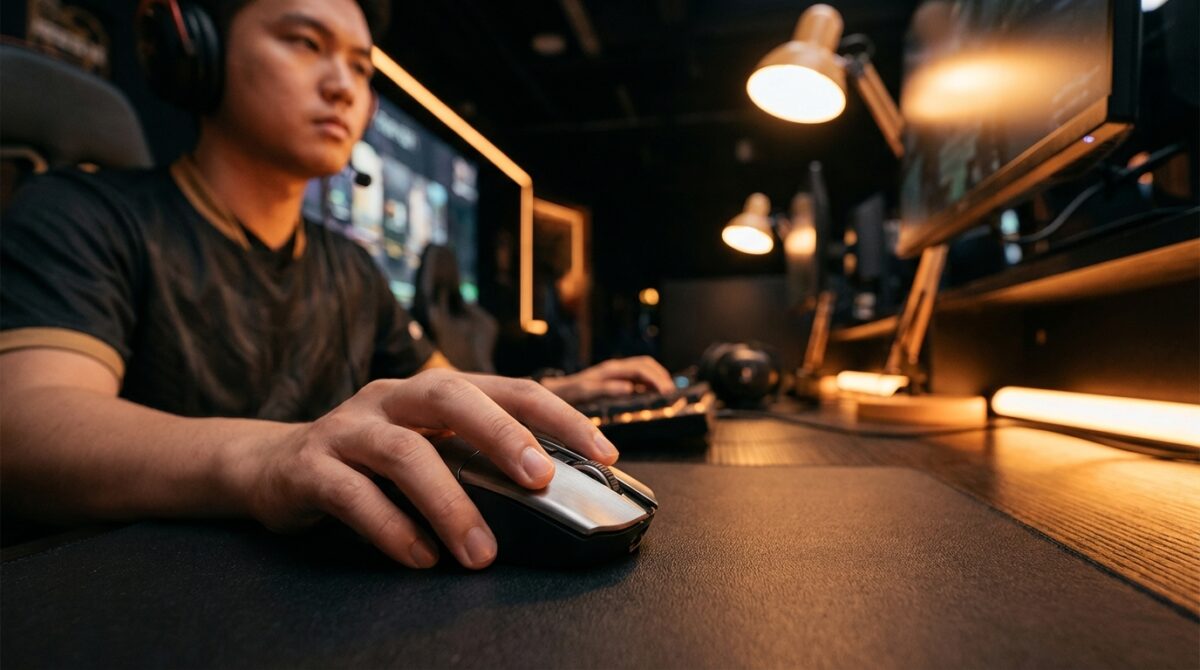
The first time you miss a headshot by a pixel, you understand why esports pros obsess over their mouse. Logitech’s Superstrike does not promise magic; it promises something more interesting: a way to bend click speed, feel, and control to your habits instead of the other way around.
What makes this gaming mouse stand out is not only its high performance sensor or LIGHTSPEED wireless connection. Its real appeal lies in a hidden alliance of induction sensors, rapid trigger logic, and configurable haptic feedback that changes how you think about every click.
Logitech Superstrike redefines the meaning of a click
For years, gaming mice evolved through familiar checklists: lighter shells, higher DPI settings, lower latency, more RGB lighting. The Logitech Superstrike breaks that pattern by shifting attention to the act of clicking itself. Instead of traditional mechanical microswitches, it uses inductive analog sensing under the main buttons. This approach, inspired by enthusiast keyboard technology, measures continuous travel rather than a single on/off point, so the mouse can decide exactly when a click should register.
Ongoing RAM Shortage and Rising Laptop Prices Expected to Persist Through This Year and Beyond
Valve Delays Steam Machine Release Amidst Storage and Memory Supply Challenges
This redesign unlocks rapid trigger behavior that feels closer to a finely tuned racing pedal than a basic button. After actuation, the button can reset for the next shot with only a fraction of its original travel. In a title that demands constant tapping, this reduces wasted motion and keeps your actions tightly synced with your intent. Many reviewers, including those behind the detailed analysis on Tom’s Hardware’s coverage of the induction system, highlight how different the mouse feels once this behavior is tuned.
From mechanical switches to inductive analog sensing
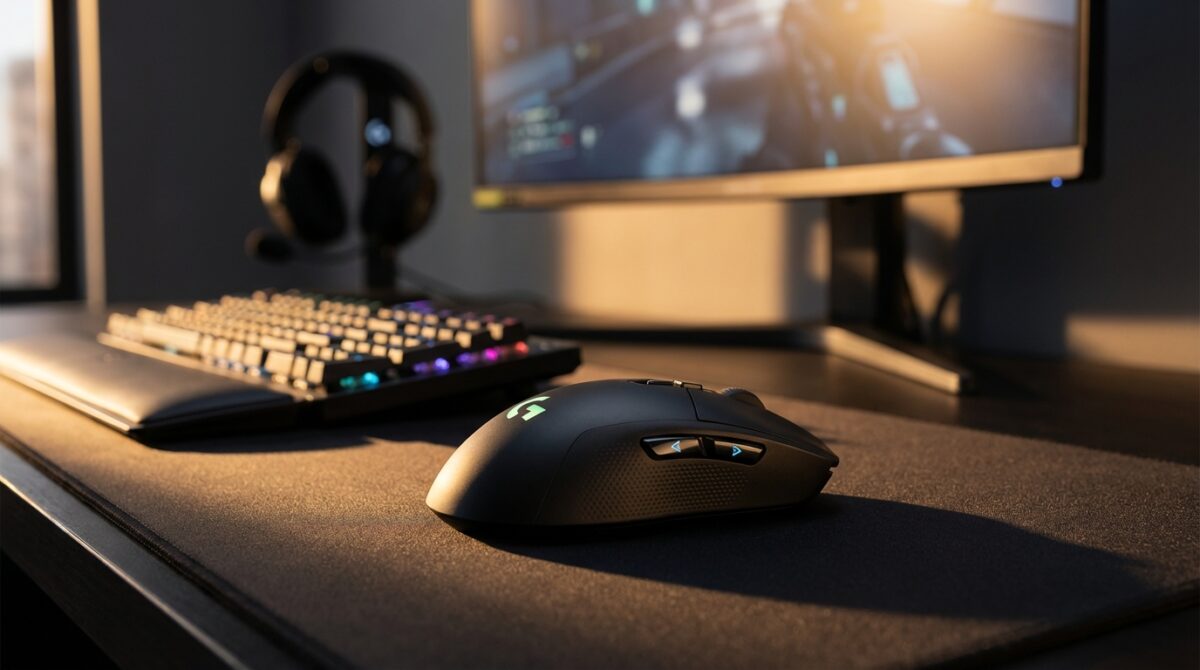
Under a conventional mechanical switch, a metal leaf flexes until two contacts meet. That snap gives a familiar sound and feel, yet it also introduces variability over time as components wear. By contrast, the inductive system in the Superstrike tracks button position magnetically, without physical contacts deciding the signal. The sensation of a click is recreated with a tiny haptic actuator that vibrates in sync with your press. The button still moves and bounces back, but the electronics decide which point in the travel counts as a shot.
This arrangement makes behavior consistent even after months of high-intensity play, because the sensing method does not rely on fragile mechanical parts. It also decouples feel from function. You can have a soft actuation point paired with a strong haptic “tick,” or the opposite, something that mechanical switches could not deliver without hardware replacement. For players climbing ranked ladders, that predictability can help maintain focus during long sessions, where minor inconsistencies become surprisingly distracting.
Customization and rapid trigger for competitive advantage
Once you start adjusting the Superstrike, it feels closer to a control surface than a simple accessory. Through Logitech’s G HUB software, you can move the actuation point of each main button anywhere within a defined travel range. Some players preferred to set their left click to trigger with almost no movement, reducing finger effort during automatic fire. Others pushed the activation deeper for games where accidental shots can ruin a stealth push or betray a position.
The same software exposes rapid trigger options. After firing, the button can reset as soon as it crosses a tiny threshold on its way up, instead of returning all the way to the original height. When tuned carefully, this allows bursts of fire that track your finger speed very closely. This behavior appeals in fast shooters, but it also shines in tactical titles where timing grenades or abilities matters as much as marksmanship. Logitech describes the concept in more depth in its own product notes, and outlets such as PC Gamer’s breakdown of rapid-trigger mouse technology underline how meaningful the difference can feel.
Analog tuning in actual gameplay scenarios
Consider Daniel, a fictional mid-ranking player who splits his evenings between a hero shooter and an extraction-based tactical game. In the first, he sets a shallow actuation and aggressive rapid trigger on left click. Automatic rifles spool up immediately, recoil control feels easier, and quick adjustments inside tight hitboxes become more natural. In the second game, he loads a profile with deeper actuation to reduce the risk of nervous misfires during tense standoffs around objectives or extractions.
These examples show how analog tuning supports different temperaments rather than a single “pro” standard. Younger esports professionals such as Yigox have already demonstrated how far this can go, outpacing previous click-speed benchmarks by hitting 760 clicks in a single minute with the Superstrike. That record does not automatically translate into wins for everyone, yet it illustrates how the underlying hardware can respond when a player truly pushes their limits.
Precision, sensor technology and ergonomics in the Superstrike
Speed only matters if the pointer lands where you expect. Inside the Superstrike, Logitech’s HERO 2 sensor tracks motion at speeds above 88 G and 888 inches per second, across a DPI ceiling that reaches into five digits. For most players, such extremes may sound excessive, but they ensure that even sudden, wide-arm flicks on a low sensitivity setting remain accurate. The sensor’s design prioritizes consistency so that each motion feels predictable rather than surprising.
In practice, the value lies in how these specifications interact with your muscle memory. A low-DPI, large-pad player uses the high tracking ceiling to fling the mouse without spinouts. A high-DPI user benefits from fine-grained resolution when lining up angle holds in tactical shooters. By combining this with per-profile DPI settings, you can switch between scoped precision and open-field scanning without losing control. Reviews on sites like TechRadar emphasize that the sensor feels more “invisible” than flashy, which is precisely the point for competitive play.
Balance of ergonomics, weight and high performance features
Comfort often decides whether high performance hardware actually sees daily use. The Superstrike keeps a familiar, symmetrical shell that fits a wide range of grip styles, from claw to fingertip. Its weight remains in the ultra-light category, which reduces fatigue during long practice blocks. The result is a mouse that feels familiar if you come from earlier Logitech designs, yet delivers a more advanced internal architecture.
Controlled RGB lighting, focused mainly on subtle accents rather than aggressive light shows, serves both style and function. Many players dim or disable the RGB to extend battery life for wireless sessions, while others match the lighting to in-game color themes. The important part is that the illumination never interferes with your hand placement. Combined with the low-latency wireless link and thoughtful ergonomics, the Superstrike manages to feel like a practical work tool and a competitive weapon at the same time.
Haptic feedback, silent modes and playstyle adaptation
The haptic system inside the Superstrike deserves special attention because it reshapes how feedback reaches your fingers. Instead of relying solely on the mechanical snap of a switch, a tiny actuator delivers a short vibration that mimics a familiar click. You can adjust its strength to feel barely noticeable, comfortably present, or surprisingly sharp. When paired with different actuation depths, this allows subtle yet meaningful combinations, such as a deep, heavy-feeling click that still actuates with relatively little travel.
Some users prefer to dial the haptics down to preserve battery life for weekend LAN events or long remote practice. Others go to the opposite extreme, chasing a crisp sensation that leaves no doubt when a shot has fired. There is also a silent mode that disables haptic output entirely. This mode suits late-night sessions in shared apartments or quiet offices where audible clicks would disturb others, though you trade away the comforting tactile confirmation that your action registered.
Why haptics matter beyond pure gaming performance
Although esports headlines focus on split-second wins, many owners use the Superstrike throughout the day for work and creative projects. The mouse behaves like a precision pointing tool in design apps or large spreadsheets. Adjustable haptics can reduce fatigue for users who click repeatedly while editing timelines or manipulating complex dashboards. With milder feedback, fingers experience less micro-shock over long sessions, which some professionals find more comfortable.
There is also a psychological dimension. Stronger, sharper feedback can make high-pressure moments in ranked ladders feel more “physical,” reinforcing focus. Softer, quieter feedback during warm-up or casual games lowers stress. Players managing intense titles like recent anti-cheat-focused updates in shooters, described for instance in analyses of renewed anti-cheat efforts, often appreciate this flexibility because it helps them modulate their own tension as matchmaking stakes rise.
Who benefits most from a highly customizable Superstrike mouse
The Superstrike sits at a premium price point, around 179.99 dollars. That figure positions it alongside high-end keyboards, GPUs, and esports monitors, not entry-level gear. To understand whether the investment makes sense, it helps to look at how different groups might use the hardware. Professional and aspiring competitors gain the most from analog tuning and rapid trigger because their practice routines are already structured around tiny performance improvements and long-term muscle memory.
At the same time, many enthusiasts consider it a practical upgrade rather than a vanity purchase. Someone coming from an older wireless mouse may notice faster response, improved ergonomics, and longer battery life in everyday use, even outside games. Reliable reviews, from sites like MSN’s hardware coverage to specialized gaming outlets, suggest that the experience feels substantial rather than incremental. Casual players who only log a few matches per week might still value the comfortable design, but they may not exploit every layer of configuration.
Choosing the right high performance mouse for your setup
Buying a mouse such as the Superstrike is less about chasing a brand name and more about aligning ergonomics and features with your habits. Users who travel frequently and need a single device for both an ultraportable laptop and a home desktop can appreciate a light, wireless model that holds profiles in onboard memory. Those who already invested in premium laptops, like the powerful yet mobile machines discussed in reviews of high-end devices on sites such as The Black Dog Chester, usually expect their peripherals to match that level of refinement.
When assessing whether this gaming mouse fits your desk, consider a few points: does the shape support your natural grip, are your favorite genres likely to benefit from rapid trigger, and will adjustable haptics improve comfort over long hours? The more your answers trend toward “yes,” the more the Superstrike begins to look like a long-term partner rather than a short-lived experiment.
- Inductive analog sensors provide adjustable actuation depth for each main button.
- Rapid trigger logic minimizes reset travel for faster repeated clicks.
- HERO 2 sensor offers high tracking speeds and detailed DPI settings control.
- Configurable haptic feedback simulates distinct click sensations or silent operation.
- LIGHTSPEED wireless, lightweight build, and refined ergonomics support long sessions.
- Subtle RGB lighting adds personalization without distracting from precision aiming.
How does the Logitech Superstrike differ from traditional gaming mice?
The Logitech Superstrike replaces mechanical microswitches with inductive analog sensors under the main buttons. This design allows you to tune the actuation point, enable rapid trigger behavior, and adjust haptic feedback independently from the physical button travel, creating a more adaptable and consistent clicking experience than most conventional gaming mice.
Is the Superstrike only useful for professional esports players?
Professional and aspiring competitors benefit most from the analog tuning, rapid trigger, and advanced DPI management because they train around small performance gains. However, dedicated hobbyists and users who spend long hours at their computer also gain value from the comfortable ergonomics, reliable wireless connection, and adjustable haptics, even in productivity or creative applications.
Can I use different profiles for various games with the Superstrike?
Yes. Through Logitech’s G HUB software, you can create multiple profiles that store distinct DPI settings, button mappings, actuation depths, rapid trigger preferences, and haptic intensities. These profiles can be linked to specific games or kept on onboard memory, letting you switch behaviors when changing titles without reconfiguring everything from scratch.
Does the haptic feedback reduce battery life significantly?
Stronger haptic feedback requires more energy, which can shorten battery life compared with running at mild levels or with haptics disabled. Many users balance this by using medium intensity for competitive sessions and lowering or turning off feedback for extended work periods, maintaining a practical compromise between tactile clarity and runtime.
Is the Logitech Superstrike suitable for small hands?
Canon Launches Exclusive Limited Edition of the Beloved G7 X III Compact Camera
MSI Prestige 14 Flip AI+ Review: The Ultimate Ultraportable Powered by Intel’s Panther Lake for Arc Raiders
The Superstrike uses a symmetrical, compact shell designed to accommodate a range of grip styles, including claw and fingertip grips common among players with smaller hands. Trying a similar Logitech shape in person can help you confirm comfort, but in general, the combination of low weight and neutral contours works well for many hand sizes.