Show summary Hide summary
- HDR formats explained through real-world viewing scenarios
- HDR10 vs Dolby Vision: image quality and control compared
- Where HLG fits: live broadcast and backward compatibility
- Availability of HDR10, Dolby Vision, and HLG across devices
- How to choose the right HDR format for your setup
- Practical checklist for comparing HDR-ready TVs
- Is Dolby Vision always better than HDR10 in practice?
- Do I need a TV that supports all HDR formats?
- Will HDR work on older HDMI cables and receivers?
- Why do some HDR videos look too dim on my screen?
- Is HLG relevant for streaming platforms or only broadcast TV?
Switching on a new TV and seeing washed-out highlights or flat shadows can be deeply frustrating, especially when the box promised “High Dynamic Range brilliance.” The real culprit often is not your screen, but a mismatch between HDR formats such as HDR10, Dolby Vision, and HLG.
HDR formats explained through real-world viewing scenarios
High Dynamic Range is more than a buzzword on a spec sheet. It is a set of video standards that dictate how brightness, color depth, and contrast ratio are encoded and then decoded by your TV. When those standards do not align with your hardware, you lose detail in exactly the scenes that should impress you most.
Imagine a scene from a sci‑fi series: neon signs in a rainy alley, subtle reflections on wet pavement, and dark corners hiding small details. With well-implemented HDR10, the highlights can reach up to 1,000 nits or more, while deep blacks remain stable, allowing subtle gradations in the shadows. The open nature of HDR10 means nearly every HDR-capable TV can display this content, although picture tuning depends heavily on each brand’s processing choices.
GeekBook X14 Pro Review: Geekom’s Debut Laptop Shines with Ultra-Slim Design and Lightweight Build, Yet Falls Short on Battery Performance
Logitech Unveils the Superstrike: A Rapid, Highly Customizable Gaming Mouse Tailored for Precision
From static to dynamic metadata on your couch
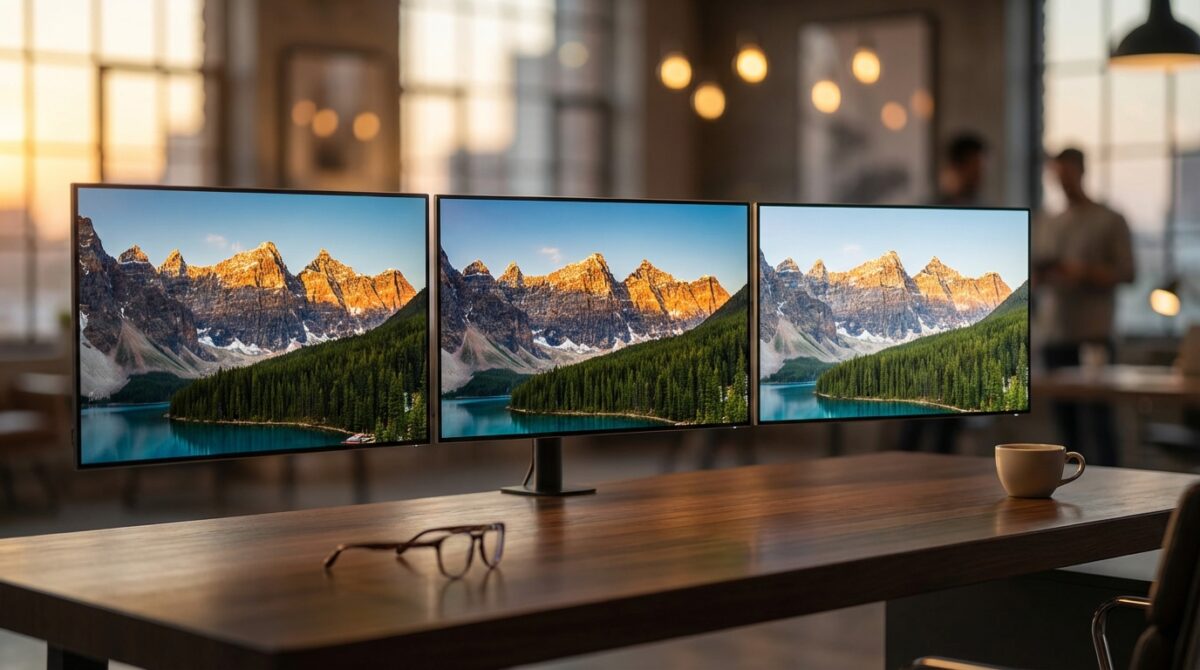
When the same scene is graded in Dolby Vision, the experience can change noticeably. Dynamic metadata allows the brightness curve and color mapping to adapt on a shot-by-shot basis. Dark interiors receive a different tone-mapping strategy than sunlit exteriors, so the TV can use its limited peak brightness more intelligently. Many premium sets in 2026 support Dolby Vision, guided by Dolby’s strict certification pipeline.
HLG, developed by the BBC and NHK, targets a different moment entirely: live sport and broadcast. You sit down on a Sunday to watch a football match, and the stadium lights shift with clouds passing overhead. HLG encodes brightness in a way that remains readable by legacy SDR televisions while still offering extended range on compatible displays. It is less about surgical control of individual scenes and more about reliable delivery across heterogeneous equipment.
HDR10 vs Dolby Vision: image quality and control compared
When people argue about HDR formats, they usually mean HDR10 versus Dolby Vision. HDR10 brings 10-bit color depth, static metadata, and broad compatibility. Dolby Vision introduces 12-bit support in its spec, dynamic metadata, and a carefully controlled end‑to‑end workflow managed by Dolby. The result is a quality versus openness trade-off that matters for your purchase decisions.
With HDR10, the mastering engineer defines a single set of metadata for the whole movie or episode. Your TV receives a maximum brightness target and some color information, then its processor guesses how to distribute that across every scene. Some manufacturers invest heavily in tone-mapping algorithms; others rely on simpler implementations. This explains why two TVs showing the same HDR10 stream can look dramatically different in highlight detail and midtone contrast.
Why Dolby Vision often looks more consistent
Dolby Vision content carries dynamic metadata that can adjust tone mapping from one scene to the next. Bright outdoor shots may push peak luminance to maintain specular highlights, while dim interiors prioritize shadow detail and subtle color shifts. According to tests from outlets such as TechRadar’s HDR format breakdown, this dynamic approach frequently delivers more stable results across various brands.
The Dolby approval process also matters. TV makers pay a license fee, but they receive calibration guidance, test streams, and compliance tools that reduce the risk of broken tone mapping. You feel this in practice when skin tones remain natural from episode to episode, or when bright signage holds readable structure without turning into a glowing blob. Even so, content quality and panel capability still define the final outcome; a midrange Dolby Vision TV cannot outperform a reference mastering monitor.
Where HLG fits: live broadcast and backward compatibility
The third pillar in this HDR comparison, HLG, solves a specific distribution challenge. Broadcasters needed a format that could travel over existing infrastructure, feed SDR sets without breaking, and still offer an HDR experience on newer televisions. HLG achieves this with a “hybrid” gamma curve that overlays HDR information without separate metadata.
Picture a public broadcaster covering the Olympics. The signal must reach millions of homes with wildly different TVs and set‑top boxes. With HLG, an SDR television interprets the signal as a normal gamma curve and shows a regular image. An HLG‑aware display reads extra luminance information and displays extended brightness and improved contrast ratio. The format does not match the fine-grained precision of Dolby Vision, yet it enables HDR in scenarios where dynamic formats would be impractical or too fragile.
Strengths and limits of HLG in practical use
Because HLG does not rely on metadata, it behaves robustly during switching, editing, and transmission—tasks that are everyday reality in live production trucks. Engineers can cut between cameras, overlay graphics, and mix feeds without worrying about broken metadata packets. For sports bars and public viewing areas, this reliability matters more than perfect tone mapping in every shot.
The trade-off is reduced creative control during grading. Colorists cannot tailor the brightness curve scene by scene with the same finesse available in Dolby Vision or HDR10+. HLG content still benefits from a wide color gamut and increased color depth compared to SDR, however it typically targets moderate peak brightness to maintain backward compatibility. You can think of HLG as the bridge format: less flexible artistically, yet highly practical in global broadcasting workflows.
Availability of HDR10, Dolby Vision, and HLG across devices
When Elena, a product manager for a streaming startup, set up her home theater, she quickly discovered that the “best” HDR format on paper is irrelevant if her devices cannot decode it. HDR10 is the baseline: if a device advertises HDR, it almost always supports HDR10. This includes affordable streaming sticks, midrange TVs, and most gaming consoles shipping since the late 2010s.
Dolby Vision support appears mainly on premium televisions and higher-end streaming hardware. Many OLED and mini‑LED models from major brands integrate Dolby Vision, while a subset of projectors and media players follow suit. Some upcoming projectors listed in guides to top home theater models promise expanded Dolby Vision support, aiming at dedicated cinema rooms where HDR consistency justifies higher budgets.
Content ecosystems and HDR10+ side notes
For content libraries, HDR10 remains the common denominator. Almost every major streaming platform encodes its flagship shows and movies in HDR10, then offers Dolby Vision as an enhanced layer for compatible hardware. Several studios also experiment with HDR10+—another dynamic metadata format promoted by Samsung and partners—but its footprint remains smaller than Dolby’s ecosystem.
Some analyses, such as the overview on understanding HDR formats for 4K TVs, highlight that HDR10+ and Dolby Vision look similar in many streaming scenarios because bandwidth constraints limit their theoretical advantages. The real differentiator becomes how widely each format appears on devices and within catalogs. By comparison, HLG content is still relatively rare outside broadcast channels and specific demo reels, although its role grows during global sporting events.
How to choose the right HDR format for your setup
Faced with competing HDR formats, Elena built a simple decision framework that you can reuse. First, she checked which formats her primary TV supported: HDR10 and Dolby Vision, but not HDR10+. Next, she looked at her main streaming platforms and gaming devices. Since all of them produced HDR10 and several offered Dolby Vision, she prioritized that duo during her purchase considerations.
For most viewers, the sensible path is similar. Treat HDR10 as the reliability layer that guarantees you will see HDR at all. Then aim for at least one dynamic format—Dolby Vision or HDR10+—for improved tone mapping when your panel supports it. HLG matters if you watch a large amount of live broadcast content from networks that have invested in HDR workflows, especially sports and large cultural events.
Practical checklist for comparing HDR-ready TVs
When evaluating new screens or projectors in a store or online, it helps to move beyond logo counting and ask specific questions. You can follow a short mental checklist inspired by professional reviewers who compare HDR implementations across brands.
- Confirm support for HDR10 as a baseline, plus Dolby Vision or HDR10+ for dynamic metadata.
- Check peak brightness measurements and how long the panel sustains them on real scenes.
- Look for independent tests of color accuracy and gradation to assess effective color depth.
- Evaluate local dimming or pixel-level control, which strongly influences contrast ratio.
- Consider your main content sources: streaming, gaming, 4K Blu‑ray, or live broadcast with HLG.
Working through these points provides more clarity than focusing on marketing phrases alone. The aim is not to chase every badge, but to align HDR formats and hardware capabilities with the specific way you watch films, series, games, and live events.
Is Dolby Vision always better than HDR10 in practice?
Dolby Vision often delivers more consistent results thanks to dynamic metadata and Dolby’s certification process, especially on premium TVs. However, a well-tuned HDR10 implementation on a bright, accurate panel can still look excellent. The visible difference depends on your display, the mastering quality, and viewing conditions rather than the logo alone.
Do I need a TV that supports all HDR formats?
You rarely need universal support. HDR10 is the key requirement, because almost all HDR movies, shows, and games include it. Adding Dolby Vision or HDR10+ improves tone mapping for compatible content. HLG is useful mainly if you watch HDR broadcasts. Prioritize the formats that match your main sources rather than chasing every option.
Will HDR work on older HDMI cables and receivers?
HDR10, Dolby Vision, and HLG typically require HDMI 2.0 or above for 4K signals at standard frame rates. Many older “High Speed” HDMI cables handle this, but very old or low-quality cables can fail. AV receivers may also limit HDR passthrough if they predate HDR standards, forcing you to connect sources directly to the TV in some setups.
Why do some HDR videos look too dim on my screen?
Ongoing RAM Shortage and Rising Laptop Prices Expected to Persist Through This Year and Beyond
Valve Delays Steam Machine Release Amidst Storage and Memory Supply Challenges
Dim HDR often results from tone-mapping choices and limited peak brightness rather than a format issue. If your TV is not very bright, or if energy-saving modes are active, HDR content can appear dull. Switching to a brighter picture preset, disabling aggressive eco features, and ensuring room lighting is controlled usually helps restore impact.
Is HLG relevant for streaming platforms or only broadcast TV?
HLG was designed for broadcast workflows and is widely tested in that context. Some streaming services experiment with HLG for live events, since it handles production switches gracefully and remains compatible with SDR displays. For on-demand movies and series, however, HDR10 and Dolby Vision stay the dominant formats.