Show summary Hide summary
- GeekBook X14 Pro design: Ultra-slim ambition meets real mobility
- Display and audio: OLED clarity that elevates everyday work
- Keyboard, touch pad, and everyday ergonomics of this debut laptop
- Performance evaluation: Meteor Lake muscle versus modern rivals
- Graphics, storage, and real workloads on the GeekBook X14 Pro
- Battery performance trade-offs and who should actually buy it
Your next portable laptop might weigh less than a hardcover book yet still run demanding workloads. The Geekom GeekBook X14 Pro tries exactly that, pairing an ultra-slim design and lightweight build with high-end silicon, but its battery performance introduces a real-world compromise you cannot ignore.
GeekBook X14 Pro design: Ultra-slim ambition meets real mobility
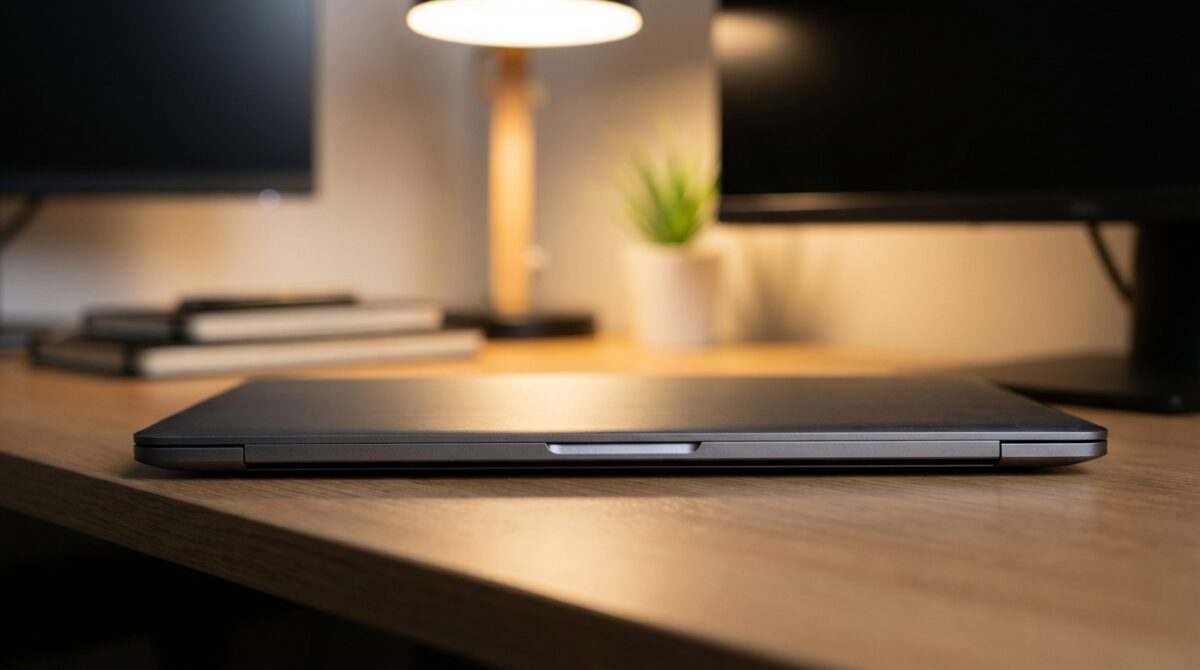
The first time you pick up the GeekBook X14 Pro, the debut laptop from Geekom, the weight almost feels unreal for a 14-inch machine. The chassis comes in at roughly 2.3 pounds and only around 0.7 inches thick, which places it among the lightest devices in its class, just behind extreme featherweights such as the Asus Zenbook A14. This focus on a compact footprint immediately signals that Geekom is leveraging its heritage in mini PCs to create an ultraportable you barely notice in a backpack.
To reach this kind of portable profile, the company relies on a magnesium alloy shell rather than the more common aluminum. Magnesium keeps the frame light while still delivering decent rigidity. When you twist the body, you feel some flex compared with ceramic-aluminum designs from rivals, yet the machine never feels fragile in normal use. The surfaces are subtly contoured, and branding stays discreet, which gives the GeekBook X14 Pro a professional look suitable for office desks, coworking spaces, and lecture halls alike.
HDR Showdown: Comparing HDR10, Dolby Vision, and HLG Formats
Logitech Unveils the Superstrike: A Rapid, Highly Customizable Gaming Mouse Tailored for Precision

Display and audio: OLED clarity that elevates everyday work
Once the lid opens, the 14-inch 2.8K OLED panel becomes the centerpiece of this laptop review. With a 2,880×1,800 resolution and a variable refresh rate that scales up to 120 Hz, the screen combines sharp text with fluid animations. Scrolling long documents or web pages feels noticeably smoother than on 60 Hz rivals. Contrast is deep, with inky blacks that make UI elements and video content stand out, which is particularly helpful if you work late in dim environments or frequently review HDR-style visuals.
Color performance on this portable laptop is tuned for creators and demanding users. Measurements indicate full coverage of both sRGB and P3 color spaces and close to full AdobeRGB. Peak brightness hovers just above 400 nits, meaning indoor visibility is excellent and reflections remain manageable in brighter rooms. For a product that positions itself as an affordable premium device, this kind of OLED implementation makes spreadsheets, code editors, and streaming content genuinely more pleasant to use over long sessions.
Keyboard, touch pad, and everyday ergonomics of this debut laptop
Geekom’s first attempt at a laptop keyboard shows surprising maturity. Key caps are well spaced despite the compact footprint, and travel is sufficient to provide a defined actuation point. During extended typing sessions, characters register consistently and the deck under your fingers stays relatively firm. For someone like Daniel, a fictional product manager commuting daily and working between home and office, this makes drafting documents and editing slide decks feel familiar rather than cramped or fatiguing.
The touch pad, however, is where ergonomic goodwill fades quickly. Only the bottom third of the surface actually clicks, while the upper area remains rigid. That design forces your thumb into an unnatural position near the edge whenever you want a physical click, which breaks the flow of gestures and pointer control. Without a touchscreen to fall back on, you almost feel pushed toward using an external mouse. Users who care about precise cursor control may want to test the device in person, following the approach of outlets like CNET’s detailed hands-on coverage before committing.
Audio performance slightly redeems the ergonomic misstep. Stereo speakers hidden in the slim chassis produce fuller sound than the weight suggests, with decent separation between highs and mids and a hint of bass. For short music listening or video calls, Daniel would not need to reach for headphones immediately. Voices remain intelligible, system alerts are clear, and streaming series during travel feels surprisingly immersive for such a lightweight build.
Performance evaluation: Meteor Lake muscle versus modern rivals
Inside the GeekBook X14 Pro, Geekom installs Intel’s Core Ultra 9 185H, a Meteor Lake processor launched at the end of 2023. By 2026 standards, that means the CPU sits two generations behind current Panther Lake chips and faces tough competition from Qualcomm’s Snapdragon X series and Apple’s M4 architecture. Still, the configuration with 16 physical cores and 22 threads delivers strong multicore throughput, which benefits code compilation, heavy multitasking, and media workloads that can distribute tasks across many threads.
Benchmark numbers tell a nuanced story. In Geekbench 6 multicore tests, the GeekBook X14 Pro reaches around 12,495 points, placing it ahead of older Intel designs and behind only the very latest ultraportables such as the MSI Prestige 14 Flip AI Plus and Apple’s MacBook Air 13 with M4. Single-core scores, however, fall to the back of the premium pack, roughly in the mid-2300s. This gap means that quick, lightly threaded actions, such as opening complex apps or processing small formula updates, feel a touch slower compared with newer chips even though total system capability remains respectable.
Graphics, storage, and real workloads on the GeekBook X14 Pro
Graphics duties fall to the integrated Intel Arc GPU with eight Xe2 cores. In synthetic workloads like 3DMark Steel Nomad, this configuration scores in the high 600s. That result surpasses older Intel integrated solutions and stays behind newer Arc B390 graphics found in high-end Panther Lake laptops. In practice, the GPU handles office visuals, light content creation, and browser-based tools easily. Casual games run at modest settings, and AI-accelerated tasks that lean on Intel’s newer architecture still benefit from the underlying NPU and GPU synergy, just not at the forefront of the 2026 performance curve.
Storage is more straightforwardly impressive. The reviewed configuration offers a roomy 2 TB NVMe SSD, giving Daniel enough space for project folders, local media, development environments, and offline datasets without external drives. A baseline model pairs a Core Ultra 5 125H with 1 TB of storage, keeping the same 32 GB of LPDDR5X memory. Several specialist outlets, including Guru3D’s in-depth tech review, highlight that this storage capacity is generous for the segment, especially at frequent promotional prices on retail platforms.
Connectivity matches modern expectations. Two USB4 ports on the left support high-speed peripherals and charging, while the right edge hosts USB-A, a 3.5 mm audio jack, and a hardware kill switch for the 1080p webcam. HDMI 2.0 covers external displays up to 4K at 60 Hz. Geekom also bundles a compact adapter with extra USB-A, USB-C, HDMI, and Ethernet, mirroring the docking approach seen with other mobile setups such as creators running top home theater projectors listed in guides like this focused projector overview. The idea is clear: keep the laptop minimal on the move, expand it at a desk.
Battery performance trade-offs and who should actually buy it
Battery performance is where the GeekBook X14 Pro’s story shifts from promising to problematic. In a controlled online streaming test, looping YouTube video until shutdown, the machine lasts about 8 hours and 39 minutes. That figure might sound decent until you compare it with current Snapdragon X and Panther Lake competitors. Devices like the HP OmniBook 5 14 or MSI Prestige 14 Flip AI Plus stretch past 25 hours in similar tests, effectively tripling usable unplugged time in many scenarios.
The reason lies partly in power budgets. The Core Ultra 9 185H operates around 45 watts, while newer low-power architectures settle closer to 17–25 watts for comparable or higher performance. Daniel’s workday illustrates the consequences. A morning of remote meetings, browser-based dashboards, and light photo editing already pushes the battery toward the 40% mark by early afternoon. Carrying a charger becomes mandatory, undermining some of the freedom that the ultra-slim design and lightweight build initially promise, especially on travel-heavy weeks or conference days.
- Commutes under two hours with office power available: the X14 Pro remains practical and pleasant to use.
- Full-day workshops or client visits with limited outlets: newer Snapdragon or Panther Lake laptops are safer choices.
- Home or office setups where you stay plugged in: the battery downside largely disappears, and the OLED screen shines.
Managing this trade-off involves honest self-assessment. If you mostly work near power sockets and prioritize a bright OLED display, quiet operation, and generous storage, the GeekBook X14 Pro is a compelling debut laptop from Geekom. If you fly frequently, rely on tethered connections, or anticipate long days in meeting rooms without guaranteed charging, machines such as the MSI Prestige 14 Flip AI, covered in depth in reviews like this analysis of MSI’s ultraportable, provide far better endurance at similar weight.
How does the GeekBook X14 Pro compare to newer Intel and Qualcomm laptops?
The GeekBook X14 Pro uses Intel’s Core Ultra 9 185H, based on the Meteor Lake architecture from late 2023. Multicore performance is still competitive thanks to 16 cores and 22 threads, but single-core speed and efficiency trail newer Panther Lake and Snapdragon X designs. In practice, it handles demanding workloads well yet cannot match the responsiveness and long battery life of the most recent premium ultraportables.
Is the GeekBook X14 Pro good for frequent travelers?
For short trips or days with reliable access to power, the X14 Pro works well because it is extremely light and compact. However, its battery lasts under nine hours in continuous streaming tests, while some current rivals exceed 24 hours. Travelers who need long unplugged sessions on flights or in conference venues may find the limited endurance restrictive and should consider alternatives with more efficient processors.
Can the GeekBook X14 Pro handle light gaming and creative work?
The integrated Intel Arc GPU with eight Xe2 cores and 32 GB of fast LPDDR5X memory supports casual gaming at moderate settings and smooth photo or light video editing. Synthetic scores place it ahead of older integrated graphics but behind modern high-end integrated GPUs. It is suitable for creative workflows that are not heavily GPU-bound, yet demanding gamers or professional video editors will likely want a dedicated graphics solution.
Which configuration of the GeekBook X14 Pro should I consider?
Ongoing RAM Shortage and Rising Laptop Prices Expected to Persist Through This Year and Beyond
Valve Delays Steam Machine Release Amidst Storage and Memory Supply Challenges
There are two main variants. The base model pairs a Core Ultra 5 125H with 32 GB of memory and a 1 TB SSD, while the step-up configuration upgrades to a Core Ultra 9 185H and doubles storage to 2 TB. If you prioritize battery life and cost, the Ultra 5 may offer a better balance. If you need stronger multicore performance and expansive local storage, the Ultra 9 version is more attractive despite its higher power draw.
Who is the ideal user for Geekom’s debut laptop?
The ideal user values extreme portability, a sharp 2.8K OLED display, and ample storage more than all-day unplugged runtime. Remote professionals, students, and creatives who move between locations but usually work near outlets fit this profile. Those who consider battery life the main criterion should focus on newer Snapdragon X or Panther Lake systems that deliver significantly longer endurance without adding much weight.