Show summary Hide summary
- How YouTube’s Gemini Ask Button transforms TV users’ viewing
- Technical anatomy of the Gemini-powered Ask Button on smart TVs
- Early rollout, limitations, and what testers are actually seeing
- New use cases for learning, entertainment, and second-screen habits
- Design lessons for the next wave of AI integration in living rooms
- Key design patterns emerging from YouTube’s Gemini rollout
- How does the YouTube Gemini Ask Button work on TVs?
- Which devices can access the Ask Button on YouTube?
- Can I use voice search with Gemini on my TV?
- Does the Ask feature replace normal YouTube search?
- Is my data safe when using Gemini on YouTube for TV?
You sit down on the couch to watch YouTube and, instead of passively streaming, your TV starts answering questions about the video in real time. That small Ask Button on the big screen quietly turns casual viewing into a guided, almost tutoring-like experience powered by Gemini.
How YouTube’s Gemini Ask Button transforms TV users’ viewing
YouTube has treated TVs as a primary screen for years, but the Gemini-powered Ask Button marks a new phase in AI integration. The feature acts as a conversational layer on top of each video, so your Smart TV becomes less of a dumb display and more of an assistant-aware surface.
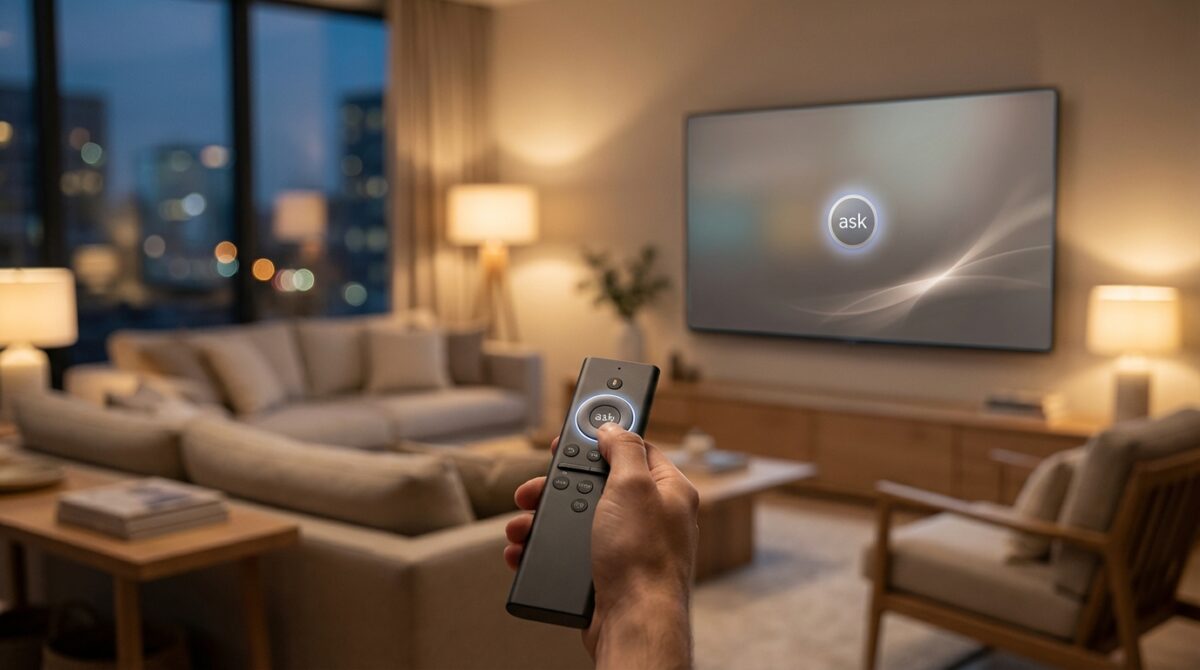
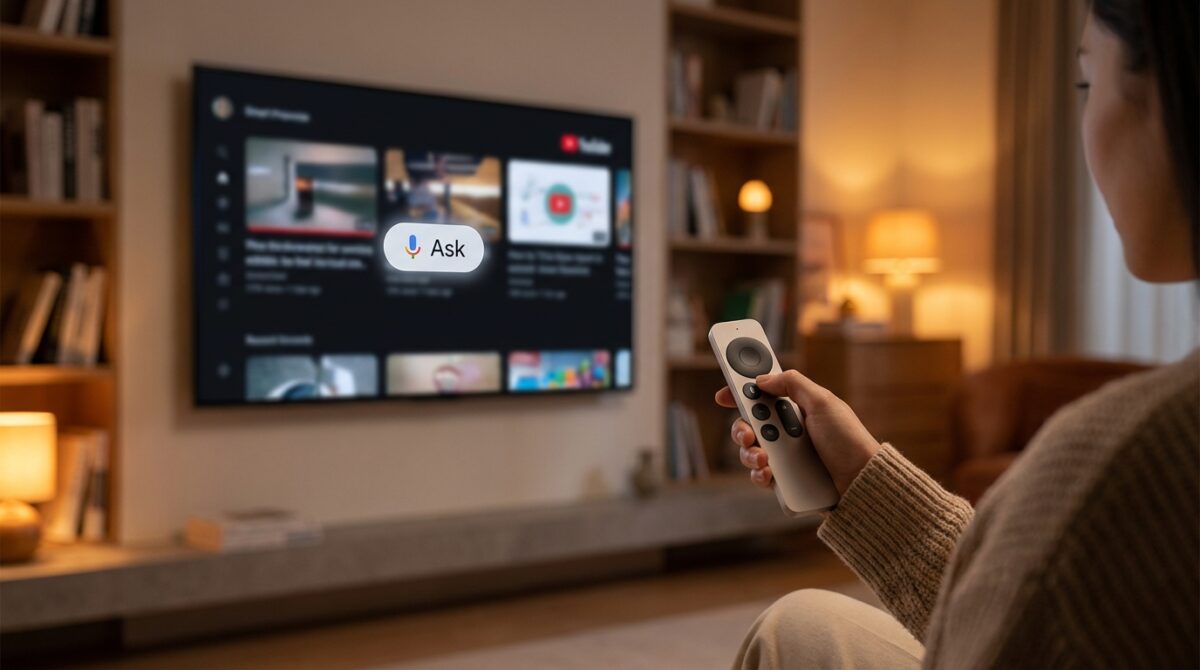
When TV users see the Ask Button beside familiar controls like like, dislike, and comments, a Gemini chatbot trained on the current video’s content is just one click away. You can trigger it from the remote, browse suggested prompts, or use Voice Search to ask in natural language, without touching a phone or laptop.
Meta’s Metaverse Vision Shifts Away from Virtual Reality
Gemini Unveils the Ability to Create 30-Second Realistic Music Samples
From passive streaming to guided exploration on the couch
Consider a home cook like Lena, binge-watching recipe videos on YouTube from her couch. With the Ask Button, she no longer pauses, rewinds, and scrolls through comments to find a missing ingredient. She presses the microphone on the remote and simply asks, “What ingredients are they using for this recipe?” Gemini parses the video context and responds directly on the TV screen.
The same pattern applies to music, documentaries, and tutorials. A viewer watching a live performance may ask, “What is the story behind this song’s lyrics?” while a student following a math explainer can request a shorter summary of the core concept. The AI responds conversationally, turning one-way streaming into interactive user interaction tailored to each person’s curiosity.
Technical anatomy of the Gemini-powered Ask Button on smart TVs
Behind that simple Ask Button, Gemini orchestrates several layers of technology that must work seamlessly on the big screen. YouTube first brought this conversational assistant to mobile and desktop, then extended the same backbone to living room devices such as smart TVs, gaming consoles, and streaming boxes.
When you select the Ask Button on a compatible TV app, YouTube loads a Gemini instance that has access to structured information about the video: title, description, creator metadata, and often machine-generated transcripts. This context allows the model to answer queries without leaving the video, and it can surface suggested prompts like “Summarize this video” or “Explain this concept more simply.”
Voice search, remote controls, and latency on the big screen
On many devices, the microphone button on the TV remote becomes a gateway to conversational AI. Google indicates that a single press can activate the Ask experience, so TV users do not need a separate speaker or smartphone. The request travels from the device to YouTube’s servers, where Gemini interprets the intent and composes a response optimized for display on a television UI.
Latency becomes a key design factor. On a PC, a brief wait feels normal. On a TV, delays quickly break immersion. According to coverage from sources like MLQ’s report on the conversational assistant rollout, Google is testing the feature with a small pool of users to fine‑tune response times, visual layouts, and prompt suggestions before a wider expansion.
Early rollout, limitations, and what testers are actually seeing
The Ask Button is not yet visible to every YouTube viewer on TV. Google describes the current deployment as an experiment for a “small group of users,” spread across selected smart TV models, set-top boxes, and consoles. This constrained release allows the company to monitor how different audiences use the AI and which questions appear most often.
Tech outlets such as Engadget’s coverage of the Ask experiment on TVs highlight that the button usually appears alongside standard engagement controls, so it feels like a native feature rather than an overlay. Many testers report using it for quick clarifications, instant video summaries, and topic digests when they join a long stream partway through.
Practical limits and content boundaries of Gemini on YouTube
Gemini does not replace search or full creator explanations. Instead, it behaves like a context-aware assistant constrained by YouTube’s content and policy framework. Responses rely on video transcripts and related data, which means some clips with poor audio or missing captions may yield less accurate answers.
There are also boundaries around sensitive or regulated topics, where the assistant steers toward safer, more general guidance. For instance, a finance explainer may trigger responses that emphasize education rather than personal investment advice. This constrained behavior keeps the AI aligned with platform rules while still offering meaningful micro-insights throughout the viewing journey.
New use cases for learning, entertainment, and second-screen habits
Once the Ask Button becomes familiar, it starts to reshape how different viewers approach streaming. A student revising for exams can use Gemini on YouTube as a quick tutor, asking for definitions or step-by-step breakdowns without leaving the TV. A parent watching kids’ science content can request age-appropriate summaries or extra context for curious questions that arise mid-episode.
Entertainment scenarios benefit too. Imagine watching a long-form tech review about GPUs and asking for a comparison between two models mentioned in passing, while your phone remains in another room. This echoes the way people research devices using guides like detailed GPU buying overviews, but compressed into a few lines on the living room screen.
How the Ask Button changes discovery and binge-watching patterns
Discovery also evolves. After Gemini summarizes a dense tutorial or documentary, it can nudge you toward related topics that match your level of understanding. Someone who just finished a beginner video might receive prompts suggesting intermediate content or a short quiz-style recap generated from the same source material.
This creates a feedback loop: the more TV users engage through questions, the better YouTube learns which formats, lengths, and explanations keep people attentive. In turn, creators may start designing videos that anticipate AI-assisted viewing, including clearer structure and stronger chaptering to feed the model cleaner signals.
Design lessons for the next wave of AI integration in living rooms
The Ask Button experiment signals a broader design trend: AI integration is moving from phones and laptops into domestic infrastructure such as televisions, speakers, and multi-room hubs. The success of smart displays and compact assistants, like the type highlighted in coverage of devices such as Amazon’s desk-friendly Echo Show models, has prepared users for conversational interactions in the home.
For product teams, YouTube’s approach offers several concrete lessons about responsible AI integration on TV interfaces, which often serve families, guests, and non-technical users simultaneously.
Key design patterns emerging from YouTube’s Gemini rollout
Certain patterns already stand out from early reports and user feedback:
- Keep AI opt-in and clearly labeled, like a distinct Ask Button rather than an invisible background process.
- Use existing controls, such as the remote’s microphone, to minimize friction and training time for households.
- Anchor responses tightly to current content so users feel guided, not distracted by unrelated tangents.
- Respect shared-screen contexts by avoiding long, dense text blocks that overwhelm casual viewers.
- Iterate with limited experiments first, monitoring both engagement and confusion before scaling.
Other platforms are already adopting similar principles. For example, interface updates like Google Home’s enhanced button-based user interaction show how simple physical controls can unlock more sophisticated assistant behaviors without intimidating less tech-savvy residents.
How does the YouTube Gemini Ask Button work on TVs?
When you press the Ask Button or use the microphone on a compatible TV remote, YouTube sends your question and video context to Google’s Gemini model. The AI analyzes the transcript, title, and metadata of the current video, then returns a concise answer or summary tailored to what you are watching, directly on the TV interface.
Which devices can access the Ask Button on YouTube?
The feature is currently an experiment available only to a limited group of users on selected smart TVs, gaming consoles, and streaming devices. Google has not published a definitive list of supported models yet. Wider availability is expected once performance, layout, and safety evaluations are complete.
Can I use voice search with Gemini on my TV?
Yes, if your TV remote includes a microphone button supported by the YouTube app, pressing it can activate the conversational assistant. You can then speak natural questions such as “summarize this video” or “explain that step again,” and Gemini will respond based on the content currently playing.
Does the Ask feature replace normal YouTube search?
The Ask experience does not replace traditional YouTube search. Instead, it complements it by answering questions anchored to the video you are already watching. For broader discovery or completely new topics, the standard search bar and voice search remain the primary tools.
Is my data safe when using Gemini on YouTube for TV?
Despite the Buzz, Some AI Experts Remain Unimpressed by OpenClaw
Hollywood Voices Concerns Over the New Seedance 2.0 Video Generator
Google states that interactions with the Ask Button follow its existing privacy and data handling policies for YouTube and Gemini. The system uses your prompts and video context to generate responses and may log activity to improve models, but it remains bound by the same account controls and policy framework as other Google services.