Show summary Hide summary
Gemini 30-second realistic music samples change creativity
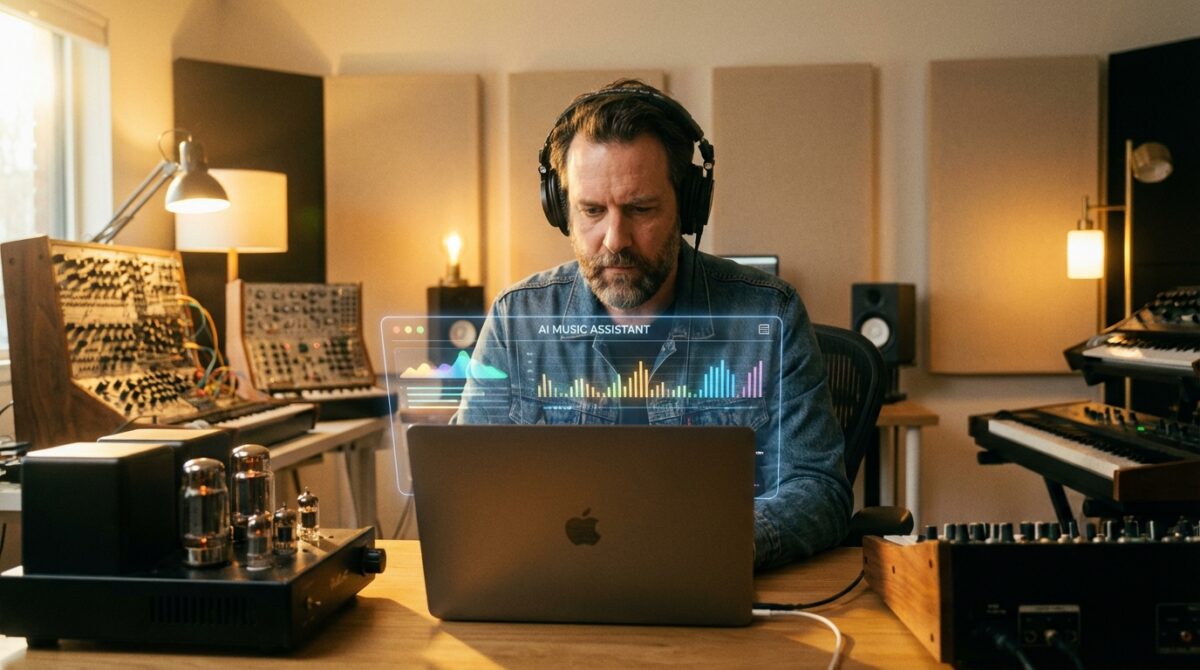
Imagine typing “melancholic synthwave for a rainy night drive” and, within seconds, Gemini replies with a 30-second track that sounds like a real studio demo. That moment is where AI music stops feeling like a toy and starts acting like a serious creative partner.
Google’s latest move folds the Lyria 3 music model directly into Gemini, turning the assistant into a compact audio creation studio. You describe an idea or upload a visual, and Gemini generates realistic music samples that run for half a minute. Those clips may be short, yet they are long enough to test melodies, moods, and arrangements with surprising clarity. For musicians, creators, and curious listeners, this represents a new kind of sketchbook where sound synthesis is as immediate as typing a sentence.
How Gemini turns prompts into realistic music snippets
Lyria 3 sits on top of Gemini’s existing strengths in text, images, and video. When you ask for a style, mood, or genre, the model interprets your words as a set of musical instructions. Tempo, instrumentation, harmony, and rhythmic feel are mapped from language into audio structures. A request like “minimal piano arpeggios over ambient strings, tempo around 90 BPM” becomes a compact 30-second arrangement that feels composed rather than stitched together from stock loops.
Despite the Buzz, Some AI Experts Remain Unimpressed by OpenClaw
Hollywood Voices Concerns Over the New Seedance 2.0 Video Generator
The system does not stop at basic genre tags. You can guide micro-details of the track: tighter hi-hats, a slower build, heavier kick drum, or softer vocal backing. This granular control turns Gemini from a random generator into a responsive creative tool. The more precisely you describe your idea, the more the music aligns with that vision, which encourages users to refine their musical vocabulary even if they do not play an instrument.
From quirky prompts to structured audio creation workflows
Google’s own example shows how playful the system can be: a “comical R&B slow jam about a sock finding their match.” Behind the joke lies a serious demonstration of narrative control. Lyria 3 can automatically draft lyrics, wrap them in a genre-appropriate arrangement, and deliver a finished 30-second slice that suggests a full song. Users see how a character, emotion, and storyline can be turned into structured AI music within one workflow.
Creators are already building processes around this. A content studio might generate several different choruses for a campaign, compare emotional impact, then send the best one to human composers for refinement. A solo artist might use Gemini to experiment with harmonies they would never have considered. The result is not a replacement for musicianship, but a faster way to arrive at strong musical directions when deadlines and budgets are tight.
Inside Lyria 3, Gemini’s new AI music engine
Under the hood, Lyria 3 represents Google DeepMind’s most advanced step in AI music so far. Earlier audio generation systems often produced blurry textures or repetitive patterns. Lyria 3, according to Google and early technical analyses, focuses on more realistic and musically complex structures. Harmonies resolve in more convincing ways, drum grooves feel less mechanical, and transitions between sections carry a stronger sense of intention.
This emphasis on musicality matters. Listeners do not judge AI music samples by spectral diagrams; they react to timing, dynamics, and emotional arc. By training on broad patterns of musical form, Lyria 3 tends to create 30-second chunks that resemble real intros, hooks, or bridges. The clips may not pass as fully mastered tracks, yet they are close enough to inspire further production work in a traditional digital audio workstation.
Multi‑modal prompts: from photos and videos to sound
Gemini does not depend solely on text descriptions. You can upload a photo or even a short video, and Lyria 3 interprets the visual cues as a basis for audio creation. A crowded night market scene might lead to a track with busy percussion and neon-tinged synth leads. A serene landscape image could prompt slow pads, distant choirs, and sparse piano lines. This cross-modal mapping extends the idea of sound synthesis into a broader creative dialogue between media.
Google’s Nano Banana image model adds another layer by generating accompanying cover art. When you ask for a moody jazz loop based on a black-and-white city photo, Gemini can respond with both the audio clip and an album-style image. This pairing encourages users to think about identity and storytelling, not just raw sound. For many independent creators, visual and sonic branding evolve together from the first experiment rather than at the end of the production cycle.
Why 30-second AI music matters more than it seems
Some observers dismiss half-minute tracks as mere demos, yet that duration aligns closely with real creative needs. Social platforms revolve around short-form content, advertising agencies test themes in seconds, and many game studios prototype loops long before scoring entire levels. A 30-second Gemini output can function as a hook, a transition, or a background bed that already fits these formats.
News outlets such as Engadget’s coverage of Gemini’s music feature stress that the clips sound like an approximation of real music, which is exactly where their value lies. They sit in a sweet spot between rough sketch and polished product. You can quickly decide whether a musical direction deserves extra production time, saving hours that would otherwise be spent building ideas from scratch.
Realistic 30-second tracks in real creative workflows
Consider Maya, a fictional indie game developer building a sci‑fi puzzle title. Her budget does not allow a full-time composer, yet she wants each puzzle type to have its own sonic identity. With Gemini, she describes “subtle glitch beats, hovering synths, low-intensity tension for a looping puzzle theme” and immediately receives multiple 30-second pieces. She drops the strongest ones into her prototype, gauges player reactions, and later shares them with a human composer as a precise brief.
This approach changes how non-musicians engage with audio. Instead of browsing endless libraries of generic tracks, they explore ideas specific to their project. A YouTube creator testing intro jingles can quickly audition different genres by prompting “retro funk with brass hits for a tech review channel” or “minimal electronic pulses for long-form interviews.” The friction between concept and sound shrinks dramatically, letting experimentation drive the process.
Remixing existing tracks with AI music guidance
Gemini’s role is not limited to generating music from scratch. You can feed the system an existing track and ask it to propose remixes. Lyria 3 then suggests altered drum patterns, new harmonic progressions, or alternative textures while preserving the core emotional feel. A producer might use this to explore softer versions for background placements or heavier edits for trailers. The AI acts as a tireless collaborator that keeps offering variants.
Several tech publications, including Ars Technica’s analysis of Gemini’s music updates, underline how these remix tools lower barriers for creators who do not read traditional notation. They do not need to understand complex theory to request “less busy drums and a brighter chorus.” Language becomes the interface to sophisticated music technology, which broadens access while still leaving room for deep craft at later stages.
Ethics, watermarking, and quality limits of AI music
As AI music generation improves, questions about ownership and authenticity grow louder. Google embeds every Lyria 3 output with SynthID, its imperceptible watermark launched publicly with a detector at Google I/O 2025. The tag aims to ensure that music clips created inside Gemini can be flagged as AI-generated, even after typical post-processing. For labels, platforms, and listeners, this offers a baseline of transparency when sorting human and synthetic material.
Detection alone does not settle debates about training data or revenue sharing, yet it creates an infrastructure for future policy. If streaming platforms decide to track AI usage or limit certain forms of synthetic content, a reliable watermark becomes a practical requirement. Users experimenting with Gemini need to keep this in mind: their creations may sound like personal demos, but they still enter an ecosystem where provenance and disclosure are increasingly scrutinised.
Strengths and weaknesses of current Lyria 3 outputs
The sample tracks released around Lyria 3’s announcement impressed many listeners with their instrumental textures. Guitars shimmer realistically, drum kits punch with convincing dynamics, and synths sit in the stereo field with a professional sheen. For background scores, ads, or short social clips, these qualities make Gemini-generated music highly usable. Some early testers even stitched several clips together to approximate full songs, with mixed yet intriguing results.
Lyrics, on the other hand, still expose the synthetic nature of the system. Phrases can feel awkward or emotionally flat, especially when prompts are vague. Reviewers on sites like Lifehacker describing free AI music in Gemini highlight moments where verses wander or lean into cliché. This gap suggests a likely workflow: lean on AI for melodic and arrangement sketches, then refine or replace lyrics with human writing when nuance and depth matter.
How to start using Gemini for AI music experiments
For those eager to try Lyria 3, access currently targets adults who speak one of several major languages, including English, Spanish, German, French, Hindi, Japanese, Korean, and Portuguese. Within Gemini, you simply describe the track you want, optionally attach a photo or video, and wait a few seconds for the 30-second clip. The interface behaves much like a conversation, where you can follow up with adjustments: slower tempo, less reverb, more percussion, and so on.
As you test AI music generation, it helps to treat Gemini like a patient studio collaborator rather than a magic jukebox. Clear prompts tend to outperform vague wishes. Describing mood, instrumentation, pacing, and purpose gives the model enough structure to return focused results. Over a few iterations, you develop a personal vocabulary that reliably produces tracks aligned with your taste and production needs.
Practical tips, use cases, and future directions
Creators experimenting with Gemini often benefit from a simple checklist when crafting prompts. They define the emotional target, primary instruments, tempo range, and context of use. For instance, “uplifting electronic track, medium tempo, for a product launch teaser with a sense of forward motion” gives Lyria 3 a clear assignment. Comparing several outputs against this brief reveals which aspects of the model align with your expectations and where manual editing will be required.
Across media, early adopters see clear patterns of use. Short-form video editors need quick background loops. Podcasters want custom intro themes. Game designers require atmospheric beds for menus or loading screens. These needs intersect perfectly with 30-second AI music clips. While other tech areas, such as smart tracking accessories covered by sites like roundups of Apple AirTag accessories, push physical convenience, AI music focuses on speeding up creative ideation. Both trends show how digital tools quietly blend into everyday workflows rather than living as isolated novelties.
- Define a clear emotional goal before prompting Gemini.
- Mention instruments, tempo, and context for better alignment.
- Use visual prompts when searching for unexpected aesthetics.
- Treat 30-second clips as sketches to refine, not final masters.
- Combine AI ideas with human editing to maintain originality.
How realistic are Gemini’s 30-second music samples?
Lyria 3 focuses on musical structure and instrumental detail, so many clips sound close to professional demos. Rhythms, harmonies, and textures feel coherent, especially for instrumental pieces. Vocals and lyrics can still appear less natural, which is why many creators use Gemini for sketches or backing ideas and then refine parts with human performance.
Can I control specific aspects of the generated music?
Yes. You can describe tempo, instrumentation, mood, and even elements such as drumming style or intensity. After hearing a clip, you are able to ask Gemini for adjustments, for example softer percussion or a slower pace. Iterating with precise language gives you more targeted results and makes the AI feel like an interactive collaborator.
Does Gemini support AI music from photos or videos?
Gemini accepts visual prompts as input. When you upload a photo or short video, Lyria 3 interprets colours, composition, and perceived mood to create matching audio. Many users employ this feature to set the tone for vlogs, trailers, or ambient scenes where they want the soundtrack to echo the look and atmosphere of the visuals.
Are AI-generated tracks clearly marked as synthetic?
Airbnb Launches AI-Powered Search Feature in Beta for Select Users
Disney Alleges ByteDance Engaged in a ‘Virtual Smash-and-Grab’ by Using Copyrighted Content to Train AI
Google embeds each Lyria 3 output with SynthID, an imperceptible watermark that indicates AI origin. The watermark is designed to survive typical transformations such as compression or minor editing. This helps platforms, labels, and listeners identify content produced with Gemini, supporting transparency around how music was created and where AI models were involved.
Who can access Gemini’s AI music features?
Access is rolling out to adult users speaking supported languages, including English, Spanish, German, French, Hindi, Japanese, Korean, and Portuguese. Availability may depend on region and product configuration. Once enabled, the feature appears directly inside Gemini, where you can start audio creation by typing a description or adding visual material as a prompt.